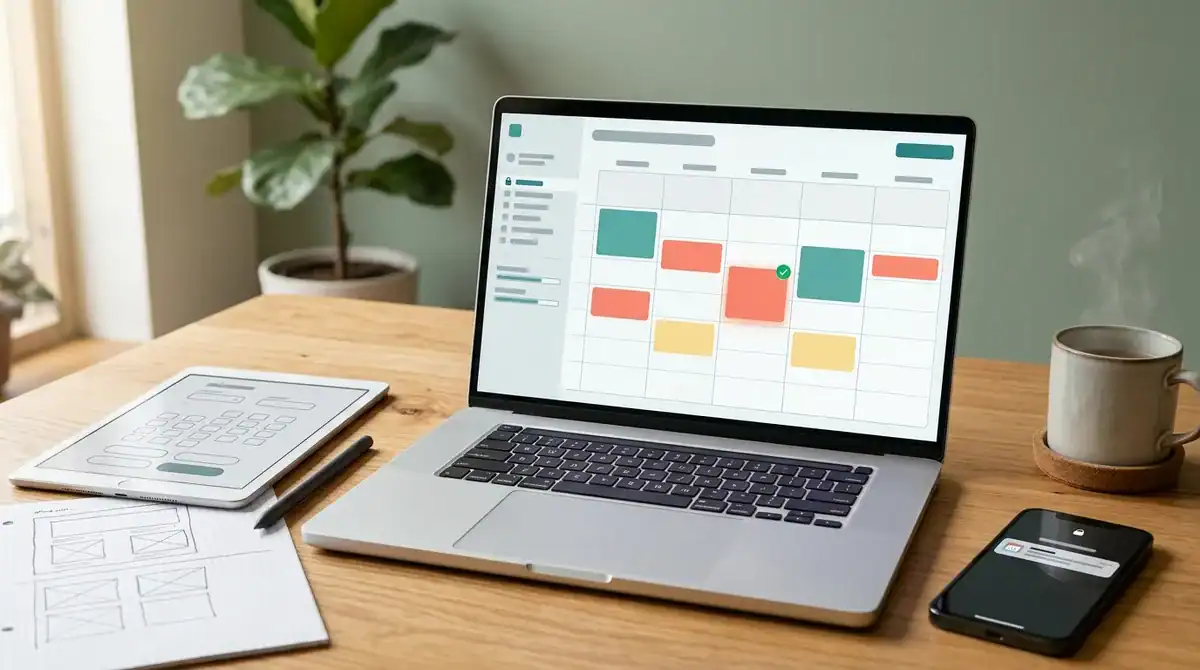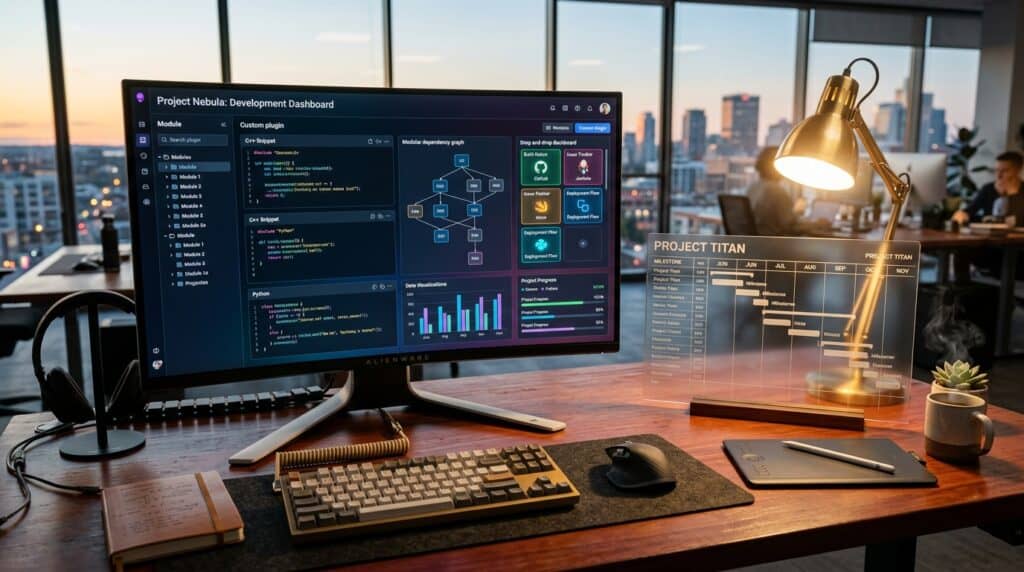
Software engineering has shifted, and understanding the modern custom plugin development timeline is now a matter of balancing rapid AI-assisted workflows with rigorous performance standards. Gone are the days when a complex integration required a year of manual coding and endless debugging cycles. Speed is a competitive advantage, and businesses expect high-functioning tools to move from concept to deployment in a fraction of the time.
By leveraging AI-accelerated development and lean architecture, modern teams have compressed delivery windows from months to mere weeks. Whether you are building a simple utility or a massive enterprise engine, the focus has shifted toward efficiency without sacrificing security or scalability. Managing this accelerated environment requires a clear understanding of current benchmarks to ensure your project remains on track and under budget.
Key Takeaways
- AI-augmented workflows and lean architecture have compressed development timelines from months to weeks, making speed a primary competitive advantage in software engineering.
- Project timelines scale with functional complexity, ranging from 3–7 days for simple utilities to 2–6 months for enterprise-grade engines like LMS platforms or AI-driven systems.
- AI-assisted scaffolding and real-time automated testing reduce initial setup time by up to 70 percent while ensuring code stability and predictable delivery dates.
- Strategic project management requires a structured roadmap where discovery, UI/UX design, and core development are balanced against rigorous QA testing to ensure long-term scalability.
Benchmarking Timelines By Plugin Functional Complexity
Planning custom software requires a clear understanding of how functional requirements translate into calendar days. In 2026, the baseline for simple utility scripts and single-purpose hooks has tightened to a window of three to seven days due to AI-augmented workflows and coding practices. These small-scale projects focus on solving one specific pain point, such as a custom API filter or a basic data export tool, without requiring deep database restructuring. For stakeholders, this means that minor workflow optimizations can be deployed almost immediately, providing a rapid return on investment and minimal downtime during the integration phase.
Mid-level tools and specialized integrations represent the most common tier for growing businesses, typically requiring a window of three to six weeks. This middle ground covers the development of custom member portals, specialized lead capture systems, or synchronization bridges between your site and a CRM. Because these projects involve multi-step user flows and security protocols, the timeline accounts for rigorous quality assurance and compatibility testing across different environments. Launching within this timeframe ensures that the solution is robust enough to handle live traffic while remaining agile enough to adapt to feedback during the initial rollout.
Enterprise-grade engines represent the pinnacle of custom development and require a more substantial commitment to ensure long-term scalability. These complex builds, which include comprehensive Learning Management Systems or multi-vendor booking platforms, generally span two to six months from initial discovery to final deployment. The extended duration is necessary to manage performance-first architecture, complex AI-driven personalization, and extensive stress testing across high-volume data sets. By aligning your expectations with these industry benchmarks, you can ensure your project receives the architectural integrity required for a successful, high-impact launch.
- Simple Utility (3 to 7 Days): Single-purpose scripts, basic hooks, and minor workflow automations.
- Mid-Level Tool (3 to 6 Weeks): Custom CRM integrations, membership portals, and specialized data forms.
- Enterprise Engine (2 to 6 Months): Full-scale LMS platforms, complex booking systems, and AI-integrated personalization.
Impact Of AI-First Workflows On Development Speed
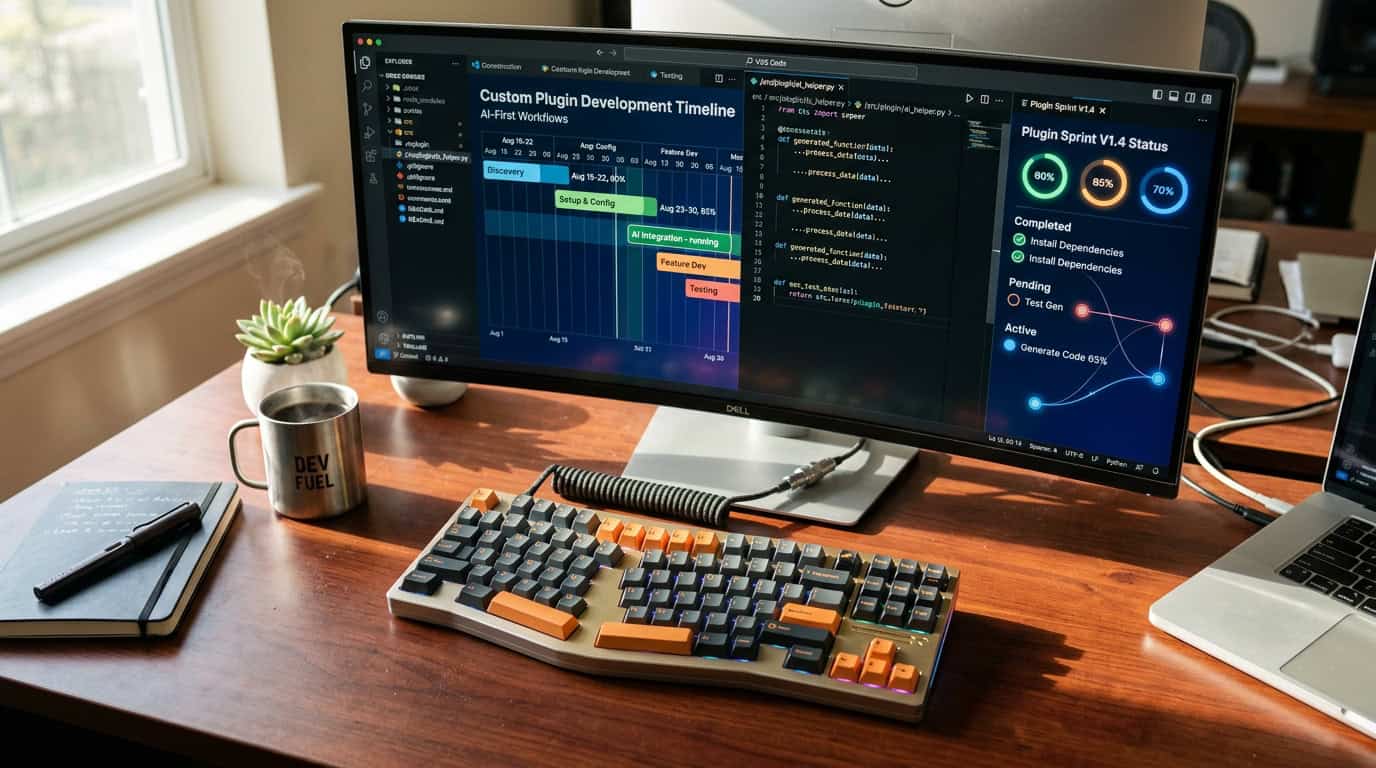
The integration of AI-first workflows has fundamentally reshaped the expectations for custom plugin delivery by eliminating the manual bottlenecks of traditional coding. Modern developers now utilize advanced AI assistants to generate boilerplate structures and handle complex logic mapping in a fraction of the time it once took. This shift allows teams to move from the conceptual phase to a functional prototype within days rather than months. By automating the repetitive aspects of the build, the focus shifts toward high-level architecture and user experience. Consequently, businesses can now plan for a launch window of six to twelve weeks for projects that previously required a half-year commitment.
Automated unit testing and AI-driven debugging have further compressed the timeline by ensuring code stability throughout the development sprint. In the past, the quality assurance phase was a significant hurdle that often delayed deployment due to unforeseen bugs and compatibility issues. Today, AI tools monitor code quality in real time, catching errors as they are written and maintaining strict adherence to performance standards. This proactive approach minimizes the need for extensive revision cycles at the end of the project. It creates a streamlined path from the initial design to the final deployment, providing stakeholders with much more predictable delivery dates.
- AI-assisted scaffolding reduces initial setup time by up to 70 percent.
- Real-time automated testing prevents backlogs during the quality assurance phase.
- Rapid prototyping allows for immediate stakeholder feedback and faster iterations.
- Lean architecture focuses on performance-first code to ensure long-term scalability.
This accelerated pace is particularly beneficial for organizations that need to respond quickly to market changes or internal operational demands. When you choose an AI-integrated workflow, you are not just buying a faster product, you are investing in a more agile development philosophy. The reduction in manual labor hours translates to a more efficient use of your budget, focusing resources on unique features rather than standard infrastructure. Understanding these modern benchmarks helps you set realistic expectations for your project roadmap and ensures your custom solution is ready for the market when you need it most.
Critical Phases From Discovery To Final Deployment
The roadmap for custom plugin development begins with a rigorous discovery and scoping phase that sets the foundation for the entire project. During the first week, the focus is on translating business requirements into a technical specification document that outlines every hook, API integration, and user touchpoint. This phase is followed by UI/UX design, where high fidelity wireframes are created to ensure the interface is intuitive and aligns with brand standards. By finalizing these details early, the risk of scope creep is eliminated and the core development phase remains lean and efficient.
Modern development cycles leverage AI-assisted scaffolding and accelerated workflows to condense what used to be months of manual coding into a matter of weeks. The core build focuses on performance first architecture, ensuring that the plugin remains lightweight while handling complex logic or data processing. Once the initial build is complete, the project moves into a specialized QA testing phase that accounts for approximately twenty percent of the total timeline. This stage is essential, as it involves rigorous stress testing, security audits, and cross platform compatibility checks to ensure a bug free launch.
- Discovery and Scoping: 1 week to define technical architecture and project goals.
- UI/UX Design: 1 to 2 weeks for interactive prototyping and visual styling.
- Core Development: 3 to 8 weeks depending on functional complexity and AI integrations.
- QA and Beta Testing: 1 to 2 weeks for security hardening and user acceptance testing.
- Final Deployment: 2 to 3 days for server migration and live environment optimization.
Understanding these benchmarks allows you to align your product launch with realistic expectations and market demands. While a simple utility might be ready in just a few days, enterprise grade tools like custom LMS engines or booking systems require a more methodical approach to ensure long term scalability. By following this structured timeline, professional development services provide the clarity needed to master your project timeline and prepare internal teams for the new software. The focus remains on delivering a high performance solution that integrates seamlessly into your existing ecosystem without compromising on speed or security.
Technical Factors That Accelerate Or Delay Delivery
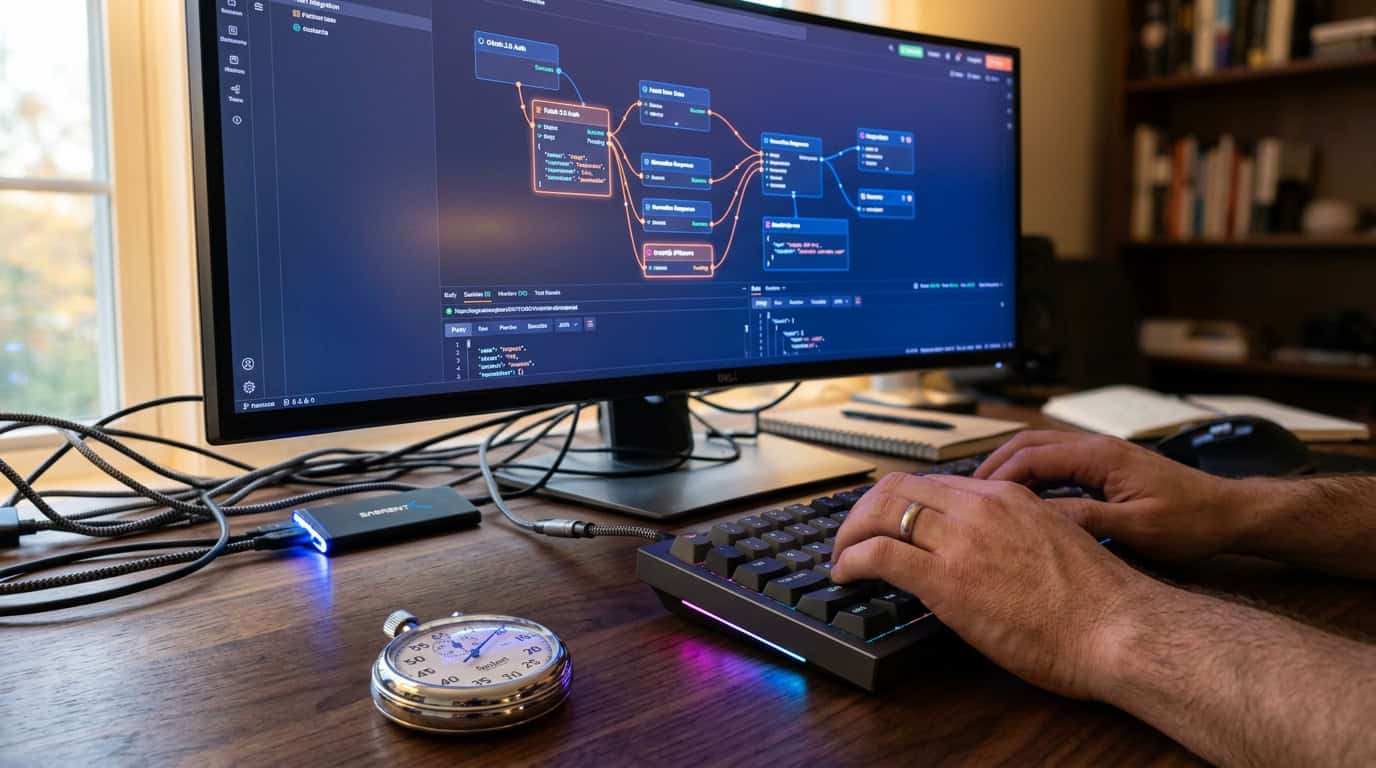
The choice of internal framework significantly dictates how quickly your custom plugin moves from a concept to a functional interface. By leveraging the WordPress Interactivity API and a modular block architecture, developers can drastically reduce the time spent on front-end state management and DOM manipulation. This modern approach allows for the creation of reactive, lightning-fast user experiences without the heavy overhead of traditional JavaScript libraries. When your project utilizes these native standardized components, the development cycle remains lean and predictable, often shaving weeks off the initial prototyping phase.
While modern frameworks accelerate the UI, external dependencies frequently introduce variables that can extend your project schedule. Third-party API development timeline considerations are the most common source of delays, as they require automated testing for authentication, rate limiting, and data mapping. Unlike internal logic, external services may have undocumented quirks or connectivity issues that necessitate additional troubleshooting cycles. Early identification of all required touchpoints is essential to ensure these integrations do not become bottlenecks during the final stages of development.
- Modular block architectures allow for reusable UI components that speed up future updates.
- The Interactivity API reduces the need for custom JS glue code, lowering the risk of bugs.
- Complex API handshakes often require custom middleware, which adds to the testing phase.
- Standardized data schemas help prevent delays caused by inconsistent third-party documentation.
Finding the right balance between high-performance internal tools and complex external connections is the key to meeting your launch date. A well-structured plan accounts for the rapid assembly of the front-end while allocating a realistic buffer for the rigorous security audits required by external integrations. By prioritizing a lean architecture from day one, you ensure the plugin remains scalable and maintainable long after the initial delivery. This strategic approach minimizes technical debt and provides a clear, reliable middleware development timeline for your stakeholders.
Accelerating Modern Plugin Delivery Cycles
Modern development methodologies have fundamentally shifted custom plugin creation, moving away from the bloated cycles of the past toward highly efficient, performance-first architectures. By leveraging AI-accelerated workflows and modular coding practices, development teams can now compress what used to be a six-month project into a streamlined six-to-eight-week delivery window. This speed does not come at the expense of quality, as these contemporary frameworks prioritize lean code that ensures your site remains fast and responsive. Understanding these benchmarks allows you to move away from guesswork and toward a strategic roadmap that aligns with your specific business objectives.
Aligning your project requirements with a realistic launch date requires a clear understanding of functional complexity versus desired speed to market. While a simple utility might be ready in a matter of days, complex enterprise systems involving AI-driven personalization or intricate booking engines still require a dedicated multi-week approach to ensure security and stability. The key to a successful launch is defining your must-have features early to avoid scope creep, which is the most common cause of timeline delays. By focusing on a well-scoped initial build, you can achieve a competitive edge and begin collecting user data far sooner than traditional methods allowed.
As you finalize your planning phase, remember that the technical foundation of your plugin is just as important as the code itself. To ensure your new custom solution performs at its peak, you should explore custom WordPress plugin development and hosting solutions to provide the stable environment your project demands. Selecting the right infrastructure early in the development timeline prevents common bottlenecks and ensures a seamless transition from the staging environment to a live production site. Taking this proactive step will help you master WordPress API integration while securing the long-term scalability of your custom digital tools.
Frequently Asked Questions
1. How long does it take to develop a basic custom utility script?
You can expect a delivery window of three to seven days for simple utility scripts and single-purpose hooks. These projects focus on solving specific pain points through AI-augmented coding practices, allowing for rapid deployment and immediate return on investment.
2. What is the standard timeline for a mid-level specialized integration?
Mid-level tools like custom member portals or CRM synchronization bridges typically require three to six weeks of development time. This timeframe accounts for the increased complexity of data handling and the necessity of building robust connections between your core site and external systems.
3. How has AI changed the modern plugin development lifecycle?
AI-accelerated development and lean architecture have significantly compressed delivery windows from months to mere weeks. By leveraging these modern workflows, you can move from initial concept to full deployment much faster than traditional manual coding cycles allowed.
4. Can complex enterprise plugins still be delivered quickly?
While enterprise engines require more rigorous performance standards, modern engineering practices have drastically reduced the time needed for complex integrations. You no longer need to wait a year for a high-functioning tool, as today’s market demands speed as a primary competitive advantage.
5. What factors influence the speed of a plugin development project?
The primary drivers of your timeline are functional complexity and the depth of database restructuring required. By focusing on lean architecture and efficient coding standards, you can ensure your project remains on track and under budget without sacrificing security.
6. Why is speed considered a competitive advantage in custom development?
Rapid deployment allows your business to optimize workflows and respond to market changes almost immediately. By reducing the time between concept and deployment, you minimize downtime and gain a faster return on your software investment.