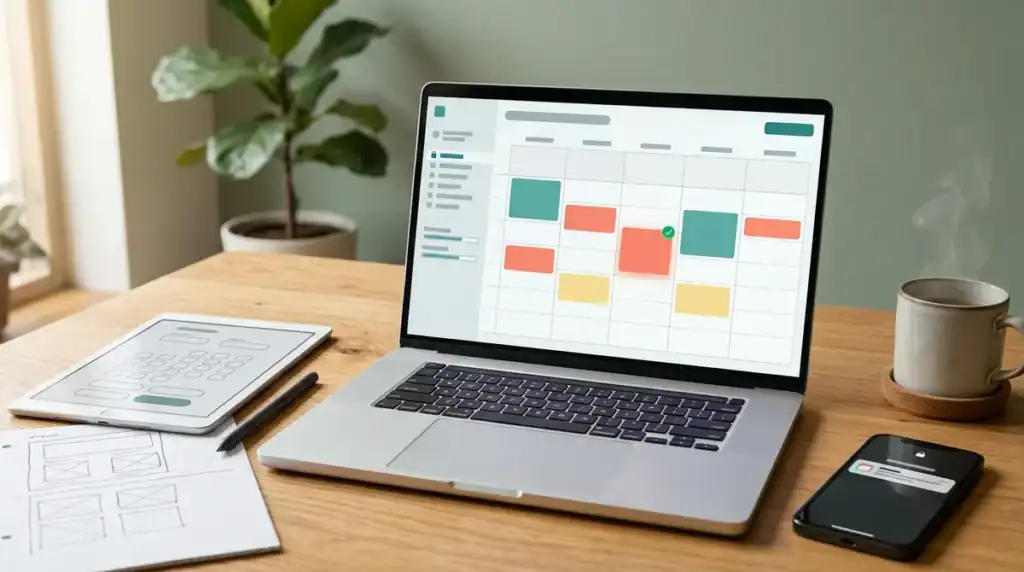
Custom booking system development means designing and building appointment software around a business’s own scheduling rules, staff calendars, and intake questions instead of adapting a generic template. Installed project budgets commonly fall between $10,000 and $49,000, and development teams typically charge $24 to $49 per hour, though larger builds with several integrations can climb well beyond that range. Demand is also growing. Fortune Business Insights estimated the global appointment-scheduling software market at $546.1 million in 2025 and projects a 14.7% compound annual growth rate from 2026 to 2034.
Scope, integrations, and delivery schedule determine where a project lands within that range, and compliance can change the build significantly. Government booking services must meet WCAG 2.1 Level AA under the ADA Title II web rule, and the U.S. Department of Justice set April 26, 2027, as the compliance date for entities serving 50,000 or more people. Healthcare, payment, and reminder features each bring their own obligations, so defining them before development starts protects both the budget and the timeline.
Key Takeaways
- Custom booking system development projects commonly cost between $10,000 and $49,000, with development teams typically charging $24 to $49 per hour, and the final price depends on the number of services, payment handling, integrations, accessibility and compliance work, and ongoing maintenance.
- A custom booking system suits businesses whose scheduling rules, such as shared treatment rooms, equipment blocked for cleaning, or staggered staff shifts, go beyond the standard durations and fixed weekly availability that a website builder offers.
- Government booking services must meet WCAG 2.1 Level AA under the ADA Title II web rule, and the U.S. Department of Justice set April 26, 2027 as the compliance date for entities serving 50,000 or more people, while smaller entities and special district governments have until April 26, 2028.
- Businesses should define their healthcare, payment, and reminder requirements before development starts, and should ask each development partner in writing how the booking flow will be tested with a keyboard and screen reader, who signs the business associate agreement, and whether card details stay on a hosted payment page.
Why Businesses Are Investing in Custom Booking Software
Appointment scheduling has moved from a convenience to a core business tool, and the software market reflects that shift. One research firm estimates the global category will reach $1,905.9 million by 2034, but other research firms publish different figures, so the number is best read as a directional signal rather than a settled total. Product counts show the same momentum. G2 counted 291 online appointment-scheduling software products in its 2023 data, with product count rising 13% year over year.
A crowded field means many off-the-shelf tools look alike on a comparison page. Most offer calendars, reminders, and online payments, so the deciding factor is rarely the feature list. It is whether the tool fits the order in which a business actually takes bookings: who approves a request, which intake questions come first, how a double-booked technician is handled, and whether a patient must complete a form before the visit.
That gap is why businesses with unusual workflows look beyond templates. A dental practice that reserves 90-minute slots for implant consultations, or a repair shop that needs a deposit before it confirms a pickup window, may find that a generic tool forces staff back into spreadsheets, phone calls, and duplicate entry. A custom build starts from those rules and designs the calendar, intake, and confirmation steps around them, so the software follows the business rather than the other way around.
How Much Does Custom Booking System Development Cost?
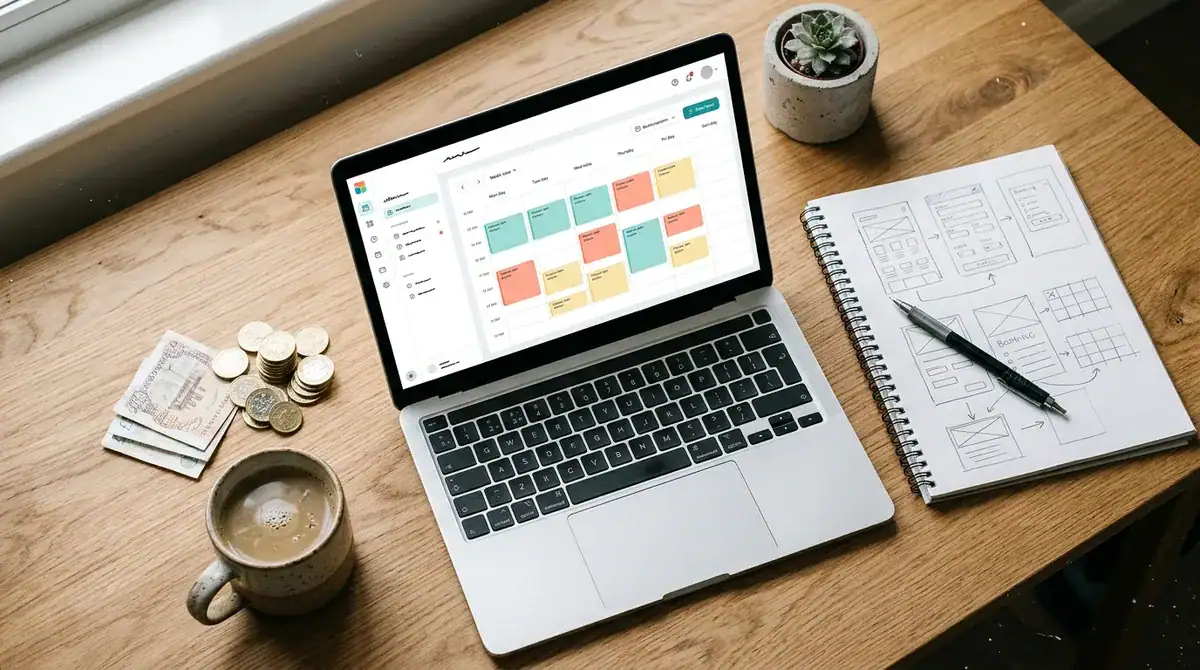
Custom booking system development typically costs between $10,000 and $49,000, and the final price depends on how much the system must do. Development teams generally charge about $24 to $49 per hour, so the number of hours a build requires matters as much as the rate. A tool with one service, one calendar, and a basic confirmation email needs far fewer hours than one that manages several locations, shared staff rosters, and deposit collection.
Broader market averages sit higher. Across software development in general, the average project costs about $132,480.29 and usually runs around 13 months. These figures cover software development as a whole rather than appointment tools, so they show how budgets and timelines stretch on large projects. They are not quotes for a booking system.
Several factors push a build toward the lower or upper end of the range:
- Services and staff calendars: Each service with its own duration, buffer time, and staff eligibility rule adds configuration and testing.
- Payment handling: Collecting deposits or full payment requires gateway setup, refund rules, and security review. If the system stores, processes, or transmits card data, PCI DSS requirements apply.
- Integrations: Each connection to a CRM or accounting tool requires field mapping and a plan for failed syncs.
- Accessibility and compliance: Government and healthcare booking flows need extra design, testing, and documentation time.
- Ongoing maintenance: Hosting, security updates, and changes to calendar rules after launch carry recurring costs.
Before requesting quotes, write down the services offered, the staff calendars that must be supported, the systems the booking tool must connect to, and the launch date you need. A vague brief produces vague proposals that are hard to compare. Ask each development partner to price the same feature list so the differences in cost reflect real differences in approach.
Custom Booking System or Booking Website Builder?
A website builder suits a single-location business with standard services, simple payment needs, and no special data rules. A custom booking system fits operations with several locations, unusual scheduling logic, or integrations that a template cannot handle. The right choice depends on how far the booking flow departs from a standard appointment.
Builder-based booking pages launch quickly because the calendar, payment form, and confirmation emails already exist. A salon with a few services and one stylist can run that way for years. The trade-off is that every rule must fit the builder’s settings, and the data stays on the builder’s platform.
| Factor | Website builder | Custom system |
|---|---|---|
| Scheduling rules | Standard durations and fixed weekly availability | Group sessions, room or equipment booking, staggered staff shifts |
| Integrations | Prebuilt connections to tools the platform supports | Any CRM or accounting tool, with mapped fields and a plan for failed syncs |
| Data control | Governed by the platform’s terms and storage | The owner decides hosting, retention, and access |
| Compliance work | Limited to what the platform provides | Designed around accessibility, contracts, and payment security from the start |
| Upfront cost | Low setup with a recurring subscription | Project budget, commonly $10,000 to $49,000 |
Custom systems suit businesses whose rules become code. A clinic that lets two practitioners share one treatment room, or a rental company that blocks equipment for cleaning between bookings, needs logic that a template rarely offers. Custom pricing, such as a deposit that changes with the length of a repair, can also be built directly into the booking step.
Booking app development is a separate path. When customers expect an app experience, such as push reminders, saved profiles, or a schedule they can check offline, the work moves beyond a web booking page into a mobile build with its own store submission and update cycle.
Headless CMS platforms offer a middle route. The marketing site and articles stay in a content tool that editors can change freely, while the booking engine is built separately and connected through an API. Content updates then never touch scheduling logic, and the front end can change later without rebuilding the bookings.
Dig Designs builds booking pages within its web development work, so the booking flow can share the site’s layout and branding from the first design review.
Which Features Does a Booking System Need?
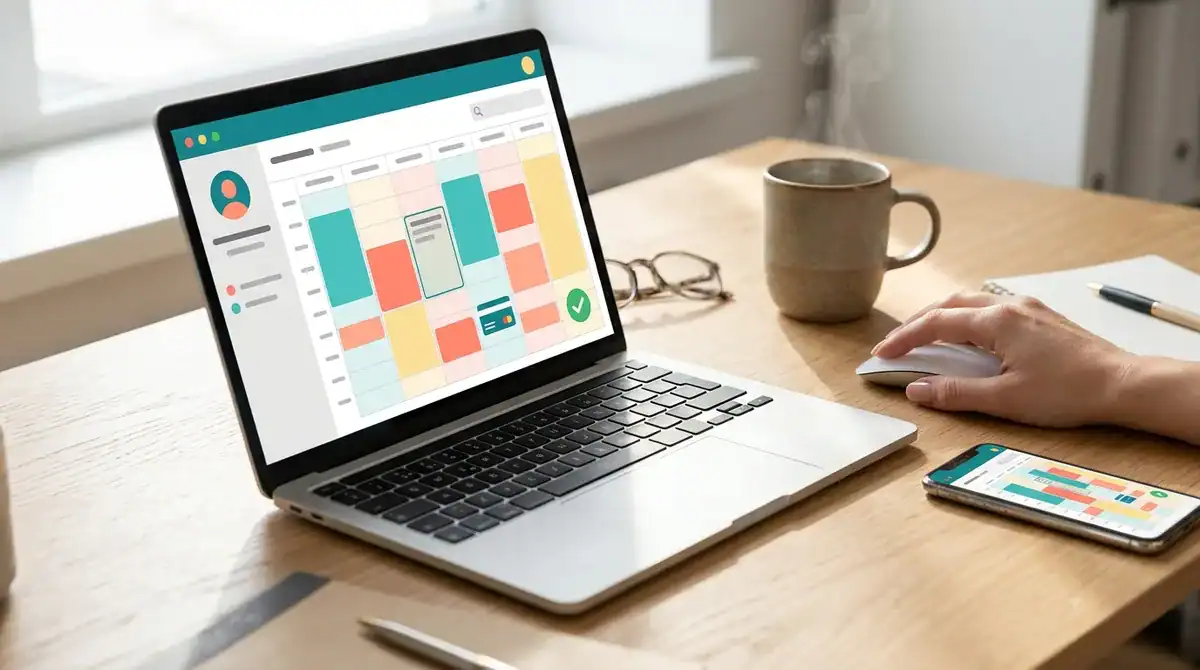
A custom booking flow needs a short form that collects only what each appointment requires, a calendar that reflects real staff availability, and service pages that show price and duration before a visitor reaches the form. Every extra field lowers the chance that someone finishes booking, so each one should have a clear reason to exist.
The form itself usually needs only a few core inputs:
- Service selection, with each option named exactly as it appears on the service page
- Date and time, showing only slots that the chosen service can actually fill
- Contact details, limited to a name, email address, and phone number when the appointment requires a call
- Notes or intake questions, placed on a separate step when they run long
- Cancellation or reschedule options, shown on the confirmation page rather than buried in an email
Intake questions deserve special care. A dental consultation may need a medical history form, while a repair pickup needs only the item description and a drop-off window. Asking for everything up front makes the first screen feel like paperwork, so move detailed questions to a later step and make them optional wherever the business can still work without the answer.
The calendar carries most of the logic. Each staff member needs a personal schedule, along with buffer times for cleanup or travel between appointments, and blackout dates for holidays or training days. Time zones matter when customers book from another region, so the page should show times in the visitor’s local zone while the business sees its own. Real-time sync prevents double bookings. When two people select the same slot at nearly the same moment, the system must hold the slot during checkout and release it only if payment or confirmation fails.
Service pages carry the booking decision. Each service should state what it includes, how long it takes, what it costs or what deposit applies, and where the visitor can book, with a visible button on every service card rather than one button at the bottom of the page.
Most bookings now start on a phone, so the flow should work in short steps with one question per screen, large tap targets, and autofill for contact details. The W3C’s WCAG 2.2 Recommendation, published in October 2023, added nine success criteria to WCAG 2.1, and several of them address focus visibility and target size, so mobile design choices also support accessibility. Dig Designs builds conversion-driven websites, so it can plan the booking steps, service pages, and confirmation screens around a client’s lead-generation goals from the first design review.
What Compliance Rules Apply to a Booking Flow?
Compliance requirements depend on who runs the booking flow and what information it collects. Government agencies, healthcare providers, health apps, and any business that takes card payments each face different obligations, and those obligations shape how the system is designed, tested, and hosted.
Government booking services face the strictest accessibility rule. Under ADA Title II, state and local government web content and mobile apps generally must meet WCAG 2.1 Level AA, so a county clinic or city recreation department needs keyboard navigation, labeled form fields, and readable contrast built into every booking step. Smaller entities and special district governments have until April 26, 2028, which gives them more time to plan the rebuild.
Private businesses are not bound by that rule, but many build to WCAG 2.2 anyway. WCAG 2.2 keeps every WCAG 2.1 criterion and adds more, so a flow built to the newer version also meets the 2.1 Level AA baseline. A private practice that later serves a public agency or accepts a government contract will not need to rebuild its booking pages.
Healthcare booking flows raise a different question. The U.S. Department of Health and Human Services says a vendor that handles appointment scheduling involving protected health information may be a business associate. The covered entity must then obtain satisfactory assurances, usually through a business associate agreement, before the vendor touches that data.
Tracking tools deserve review on clinic websites. HHS notes that appointment dates and a person’s IP address may be protected health information when they are disclosed through tracking technologies on a covered health clinic’s website. An analytics script that fires on the booking page can therefore expose data that a general marketing page would not.
Some health-related tools fall outside HIPAA but still carry obligations. The Federal Trade Commission’s Health Breach Notification Rule, amended in 2024 and effective July 29, 2024, applies to makers of health apps and similar technologies in covered circumstances, including certain organizations that HIPAA does not cover. A wellness app that books sessions and stores symptom data should check whether the rule applies before launch.
Payments bring in the PCI DSS security standard. It applies to entities that store, process, or transmit payment-card account data, or that could affect the security of the cardholder-data environment. Sending card entry to a hosted payment page keeps card numbers off your own servers and narrows the controls you must maintain, while a system that stores or passes card data through its own code takes on the full set of requirements.
How Payments, Reminders, and Integrations Connect
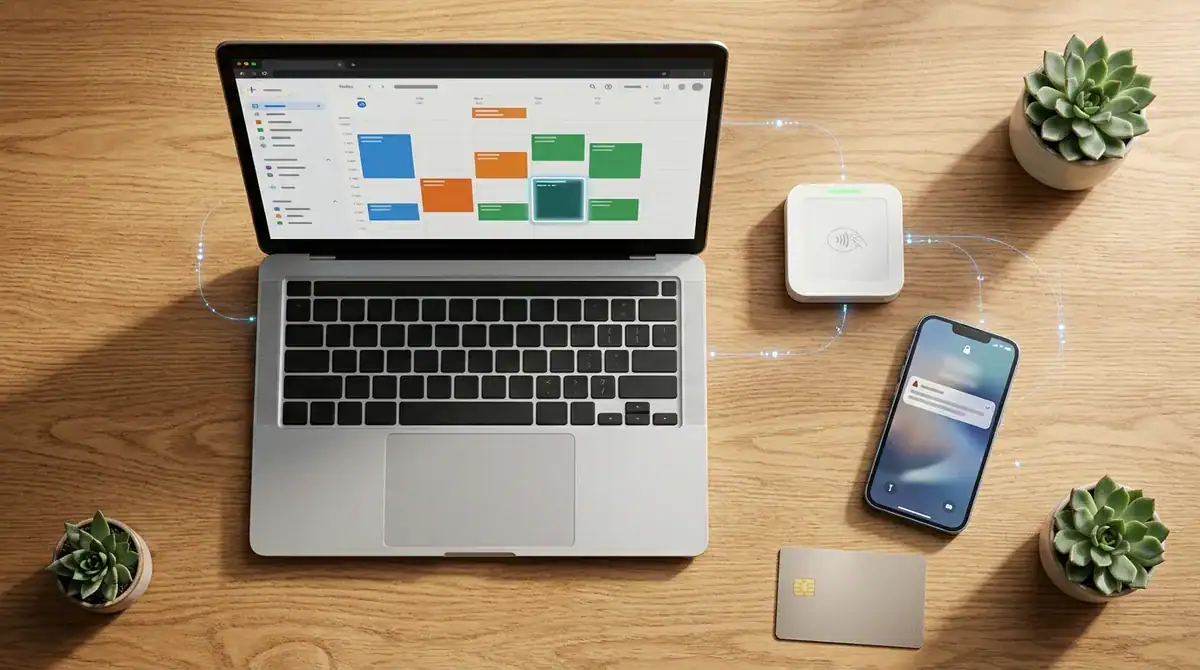
Payments, reminders, and integrations depend on one another, so they are best built in a fixed order, with each piece tested before the next one relies on it.
- Choose the payment model. A deposit secures the slot and the balance is collected later, while full prepayment suits fixed-price services. Write the refund rule before coding, such as which cancellations keep the deposit and how far ahead of the appointment the cutoff falls.
- Connect the payment gateway and map its status to the booking record. A booking should move from pending to confirmed only after payment succeeds, and a failed or abandoned payment should release the held slot back to the calendar.
- Write the confirmation message sent at booking. Keep it to the service, date, time, location, and a reschedule link.
- Schedule reminders before each appointment, at intervals the business chooses. Each reminder should carry the same reschedule link and a cancellation option.
- Write the follow-up sent after a cancellation. It should confirm the cancellation, state the refund status if one applies, and invite the customer to book again.
- Connect any CRM or accounting tool by mapping fields such as name, service, and amount paid. Log failed syncs so staff can correct them.
- Point the booking page to a subdomain, such as book.yourdomain.com, or to a path such as yourdomain.com/book. Confirm that the hosting serves the page over HTTPS.
- Publish a privacy policy and link it from the booking form. It should explain which contact and appointment details are collected and how they are used, and it should confirm that no tracking script runs on the booking page without review.
- Link the booking page from each service page, the email signature, and the business’s search listings so that visitors can find it from launch day.
Planning Your Custom Booking System Project
Start by sorting your booking requirements into three groups: rules you must meet, rules you want, and features you can add after launch. Accessibility standards, a business associate agreement for health information, and a hosted payment page belong in the first group. Write them down before any screen design begins, because they determine the system’s architecture.
Next, put three questions to each prospective partner in writing. Ask how they will test the booking flow with a keyboard and a screen reader. Ask who signs the business associate agreement if a vendor will touch patient data. Ask whether card details will pass through your servers or stay on a hosted payment page. Vague answers to these questions usually mean compliance will be treated as an afterthought.
Then pick a launch date that leaves room for a test period with real staff. Run the new calendar against a full week of existing bookings, and log every double booking, abandoned payment, and failed sync. That log becomes the checklist the system must pass before going live.
If you want a partner that plans the booking steps alongside the rest of your site, Dig Designs can review your service list, intake questions, and confirmation screens in a single design session.
Frequently Asked Questions
1. Do I need coding skills to manage a custom booking system after launch?
No coding skills are needed for routine changes if the system includes an admin area where staff can edit services, staff hours, and blackout dates. Changes to payment logic, new integrations, or alterations to the booking rules themselves usually require a developer. Ask your partner before launch which tasks the admin area covers and which will be billed as ongoing maintenance.
2. Can I start with a website builder and move to a custom booking system later?
Yes, a business can begin with a builder’s booking page and move to a custom system once its scheduling rules outgrow the template. Before switching, export the booking history, service list, and client contacts, since the new system can only import what the old platform lets you download. Run both systems briefly during the changeover so no appointment falls between them.
3. How do I move existing appointment history and client records into a new booking system?
Start by exporting appointments, client names, contact details, and service records into spreadsheets or another standard file format. Map each column to the matching field in the new system, and remove duplicate client records before importing. Import a test copy first, then compare a sample of records against the originals to confirm that no appointment was lost or linked to the wrong staff member or service.
4. Should my booking page sit on the main domain or a subdomain?
A subdomain such as book.yourdomain.com keeps the booking system separate from the marketing site, which can simplify hosting and updates. A path such as yourdomain.com/book keeps everything under one domain, so visitors stay within a single web address. Whichever option you choose, confirm that the page is served over HTTPS and that its analytics and tracking scripts have been reviewed.
5. How long does a custom booking system take to build?
The timeline depends on the number of services, staff calendars, integrations, and compliance work involved, so a build with one calendar and no payments moves faster than one with deposits and CRM syncing. Broader software development projects average about 13 months, a general market figure that shows how long larger builds can run. Schedule a test period with real staff before launch so the timeline includes time to fix double bookings and failed syncs.
6. How do I measure whether a new booking page is producing more appointments?
Compare the number of confirmed bookings per month before and after launch, using equal date ranges. Track how many visitors who open the booking page finish a booking, and log abandoned payments along with the step where people leave. Counting only confirmed bookings, rather than form starts, shows whether the new page produces real appointments.