Choosing the right foundation for your digital presence is a significant decision when comparing headless wordpress vs webflow. Modern brands often decide between the scalability of a decoupled API-driven architecture and the efficiency of a design-first visual platform. This choice dictates how your site looks and how easily your team can manage content and scale performance over the coming years.
For enterprise teams, the priority often shifts between total developer control and the need for rapid, high-fidelity deployment. While one path offers an omnichannel approach that pushes content to any device via modern frameworks, the other provides an integrated ecosystem that bridges the gap between creative vision and live production. Understanding the architectural trade-offs between these two options is essential for aligning your technical stack with long-term business goals.
Key Takeaways
- Headless WordPress provides superior scalability for enterprise teams by decoupling content from the frontend, allowing for omnichannel delivery to mobile apps, smart devices, and high-performance frameworks like Next.js.
- Webflow prioritizes design velocity and marketing autonomy through a unified visual development ecosystem that eliminates the need for constant developer intervention during site iterations.
- A headless architecture offers granular control over performance and SEO through Static Site Generation, while Webflow provides a managed, secure environment that reduces the maintenance burden on IT departments.
- The choice between platforms depends on whether an organization treats its website as a custom-engineered software product requiring deep technical expertise or a visual brand asset focused on rapid creative deployment.
Comparing Decoupled API Flexibility and Visual Development Speed
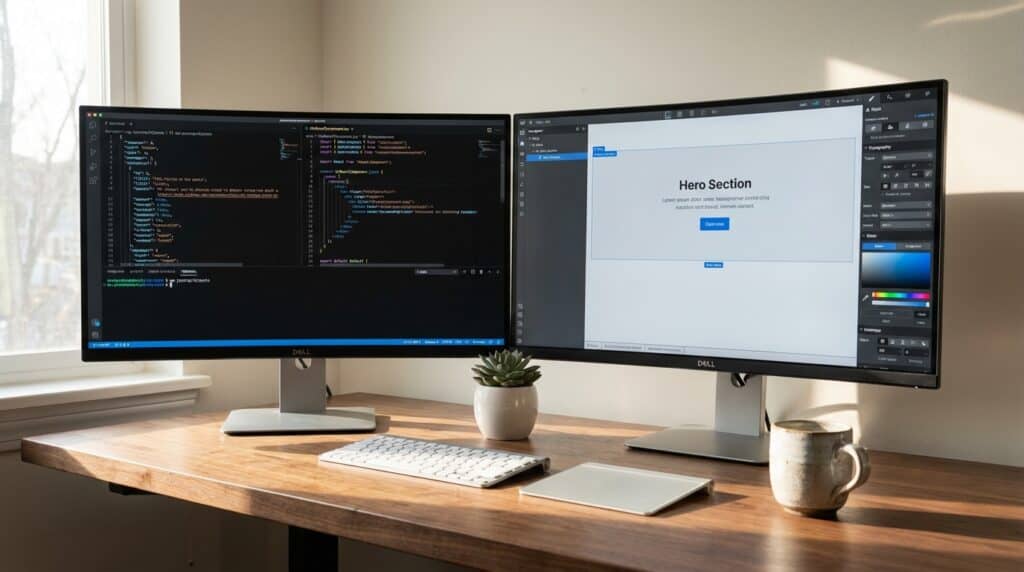
Choosing between a headless WordPress architecture and Webflow requires a strategic assessment of your team’s technical maturity and delivery goals. Headless WordPress excels in complex environments where content must be distributed across multiple platforms, such as mobile apps, smart devices, and high-performance web frameworks. By utilizing the WP REST API or GraphQL, developers can treat content as data, allowing for a decoupled frontend that is not restricted by traditional theme limitations. This architecture is ideal for enterprise teams that require granular control over their tech stack and want to leverage modern frameworks like Next.js for superior speed and SEO.
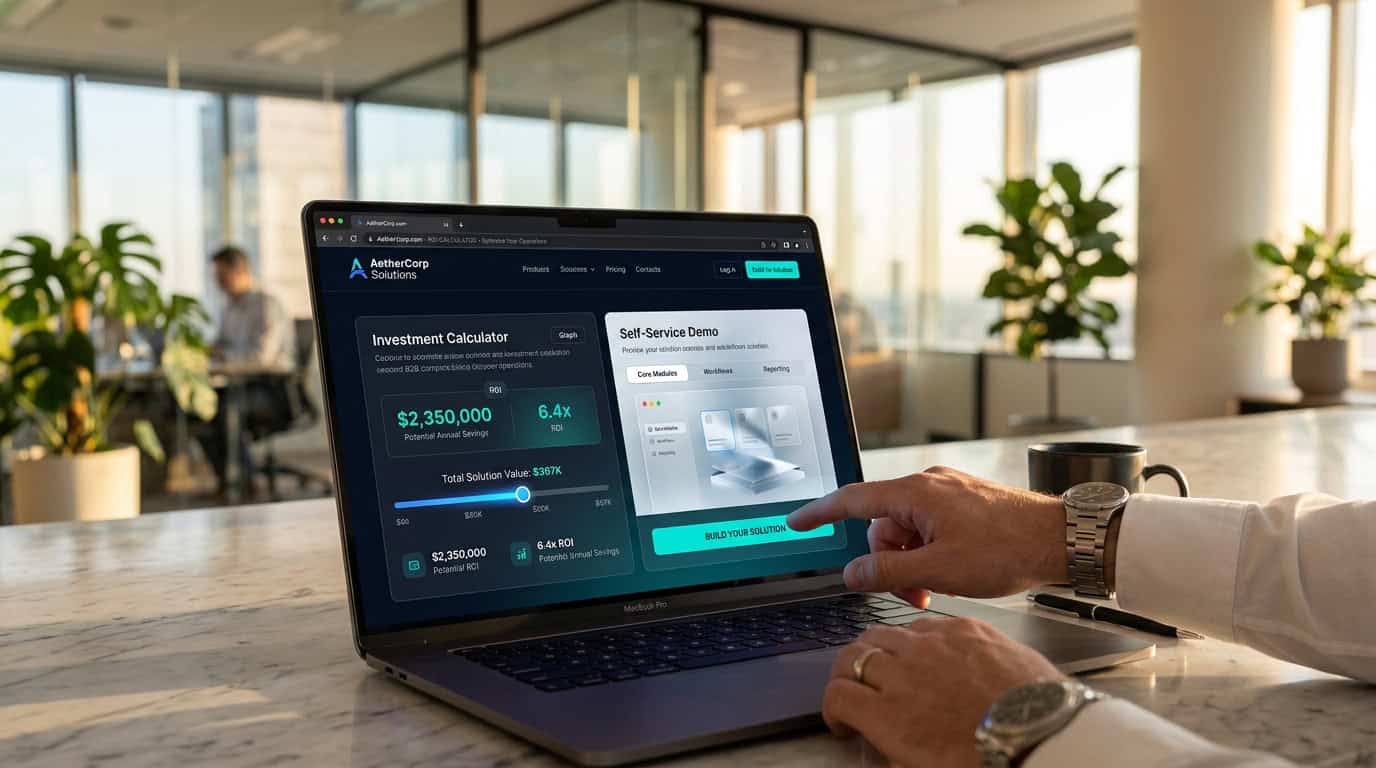
Webflow offers a different value proposition by prioritizing visual development speed and marketing autonomy within a unified SaaS ecosystem. Its integrated environment allows designers to build production-ready websites without writing manual code, reducing the time from prototype to launch. While it provides a Data API for external integrations, the platform functions best as an all-in-one solution where hosting, CMS, and styling are managed together. This approach is effective for marketing teams that need to iterate rapidly and maintain brand consistency without constant developer intervention.
The final decision often hinges on whether your organization prioritizes the scalability of a custom API-driven backend or the efficiency of a visual builder. Headless WordPress provides the flexibility to future-proof your digital presence against changing frontend trends, though it demands a higher investment in engineering resources. Conversely, Webflow empowers creative teams to take full ownership of the web experience, making it a strong choice for businesses that value agility and design precision. Understanding these architectural trade-offs ensures you select a platform that aligns with your internal capabilities and growth strategy.
Evaluating Frontend Performance and Static Site Generation Capabilities

When evaluating frontend performance, Headless WordPress offers a distinct advantage through its ability to leverage Static Site Generation via frameworks like Next.js or Astro. This architecture allows developers to pre-render pages into lightweight HTML at build time, reducing the Time to First Byte and overall server response times. While Webflow provides a fast proprietary hosting environment, it remains a monolithic SaaS platform where users have less granular control over the underlying server-side optimization. By decoupling the WordPress backend, enterprise teams can implement headless CMS SEO strategies and edge delivery networks that go beyond the standard capabilities of integrated builders. This technical flexibility ensures that content-heavy sites maintain fast load speeds across all global regions.
Modern performance metrics often favor the Headless WordPress approach because it allows for the removal of code frequently associated with traditional CMS themes and plugins. Developers can use modern frontend tooling to ensure only the necessary JavaScript is shipped to the browser, resulting in superior Core Web Vitals scores. Webflow is optimized for a visual-first workflow, but its generated code can sometimes include platform-specific scripts that are difficult to customize for specific performance targets. For organizations with dedicated engineering resources, the ability to fine-tune every aspect of the frontend delivery pipeline is a compelling reason to choose a headless stack. This level of architectural control enables the creation of resilient, secure, and fast digital experiences that can scale alongside complex business requirements.
Assessing Long Term Scalability for Enterprise Technical Teams
Choosing between a headless WordPress architecture and Webflow requires a review of the long-term technical requirements and resource allocation your enterprise team is prepared to manage. A headless WordPress development stack offers flexibility by decoupling the backend from the frontend, allowing developers to use modern frameworks like Next.js or Astro for superior performance. However, this approach demands a dedicated engineering team to maintain the API connections, manage security patches across multiple environments, and oversee deployment pipelines. For organizations with high-level technical needs, this architecture provides the freedom to scale content across omnichannel platforms without being tethered to a single vendor ecosystem.
Webflow offers a different proposition by prioritizing a managed environment that reduces the maintenance burden on IT departments. The platform allows design teams to take the lead on frontend iterations, which can accelerate speed to market and free up developers for complex internal product initiatives. While this integrated approach simplifies hosting and security, enterprise teams must evaluate the platform limits regarding custom code and complex data structures. The trade-off centers on whether your team values the total creative control of a custom build or the operational efficiency of a unified visual development tool.
Ultimately, the decision hinges on the existing capabilities of your internal team and the specific performance requirements of your roadmap. Headless WordPress is often the choice for high-traffic enterprise sites that require deep integration with third-party microservices and custom database logic. Conversely, Webflow excels in environments where agility and rapid design cycles are prioritized over granular infrastructure control. By assessing these scalability factors, decision-makers can ensure their chosen architecture supports growth without creating bottlenecks in the development lifecycle.
Aligning CMS Selection With Internal Team Skill Sets

Choosing between Headless WordPress and Webflow requires an assessment of your internal engineering resources versus your marketing team’s need for autonomy. A Headless WordPress architecture is an engineering-first decision that appeals to organizations with dedicated frontend developers who want to leverage modern frameworks like Next.js or Astro. This approach allows for sophisticated backend logic and enterprise scalability and connectivity while giving developers control over the codebase. However, it also requires a consistent technical pipeline to manage deployments, security patches, and API connections. If your team lacks deep JavaScript expertise, the overhead of maintaining a decoupled stack can outweigh the performance benefits.
Webflow shifts the power dynamic toward the design and marketing departments by providing a visual development environment that minimizes the need for traditional coding. This platform is ideal for agile teams that prioritize rapid iteration and want to launch landing pages or content updates without waiting for a developer’s sprint cycle. While it offers a powerful CMS, it operates within a structured ecosystem that simplifies hosting and security at the cost of some backend flexibility. Organizations that explore exciting WordPress alternatives often find they can reduce their reliance on external technical services for day-to-day site management. The decision ultimately hinges on whether your business views the website as a custom software product to be engineered or a visual brand asset to be curated.
Choosing Between Architectural Freedom and Design Velocity
The choice between Headless WordPress and Webflow hinges on whether your organization prioritizes architectural freedom or design velocity. Headless WordPress is the choice for enterprise teams that require a decoupled environment to support omnichannel content delivery and high-performance frontend frameworks like Next.js. This path offers scalability and integration with existing DevOps pipelines, though it demands a dedicated development team to maintain custom API connections. Webflow excels when the primary goal is empowering design teams to build and iterate on high-fidelity interfaces without constant engineering intervention. While it offers less flexibility in the backend stack, its integrated ecosystem reduces the time to market for marketing-led organizations.
Technical decision-makers must evaluate internal capabilities and long-term maintenance strategies before committing to an infrastructure. A headless approach provides a foundation for large-scale digital products, while Webflow offers a cohesive solution that simplifies hosting and security. Selecting the wrong architecture can lead to technical debt or creative bottlenecks that hinder growth. If you are looking to optimize these infrastructure requirements or need guidance on your technology stack, a Webstudio review can provide insights into alternative visual builders that utilize modern edge deployment. Professional services provide the expertise necessary to align your web infrastructure with your specific performance and growth goals.
Frequently Asked Questions
1. What is the primary difference between Headless WordPress and Webflow?
Headless WordPress is a decoupled architecture that separates content management from frontend delivery via APIs, offering scalability for complex stacks. Webflow is an integrated visual development platform that combines design, hosting, and CMS into a single ecosystem.
2. Which platform is better for enterprise-level scalability?
Headless WordPress is often preferred for enterprise teams needing to push content to multiple platforms like mobile apps and smart devices. It allows you to treat content as data, providing the granular control required for large, omnichannel digital presences.
3. Does Webflow offer faster deployment than a Headless WordPress setup?
Yes, Webflow excels at rapid deployment by bridging the gap between creative vision and live production within a unified environment. It allows designers to build high-fidelity sites visually, reducing the time from concept to launch.
4. Can I use modern frameworks like Next.js with these platforms?
Headless WordPress is specifically designed to work with modern frameworks like Next.js to achieve high performance and SEO. While Webflow is a closed ecosystem, Headless WordPress gives developers the freedom to choose the frontend technology that best fits your goals.
5. How do these options impact content management for non-technical teams?
Webflow provides an intuitive visual interface that empowers designers to make changes without developer intervention. Headless WordPress offers deep content modeling capabilities, but it typically requires a development team to maintain the frontend delivery layers.
6. Which solution should I choose for a design-first project?
You should choose Webflow if your priority is design autonomy and maintaining a tight link between visual aesthetics and production. It is an ideal platform for teams that want to prioritize creative expression and streamlined workflows over complex technical integrations.