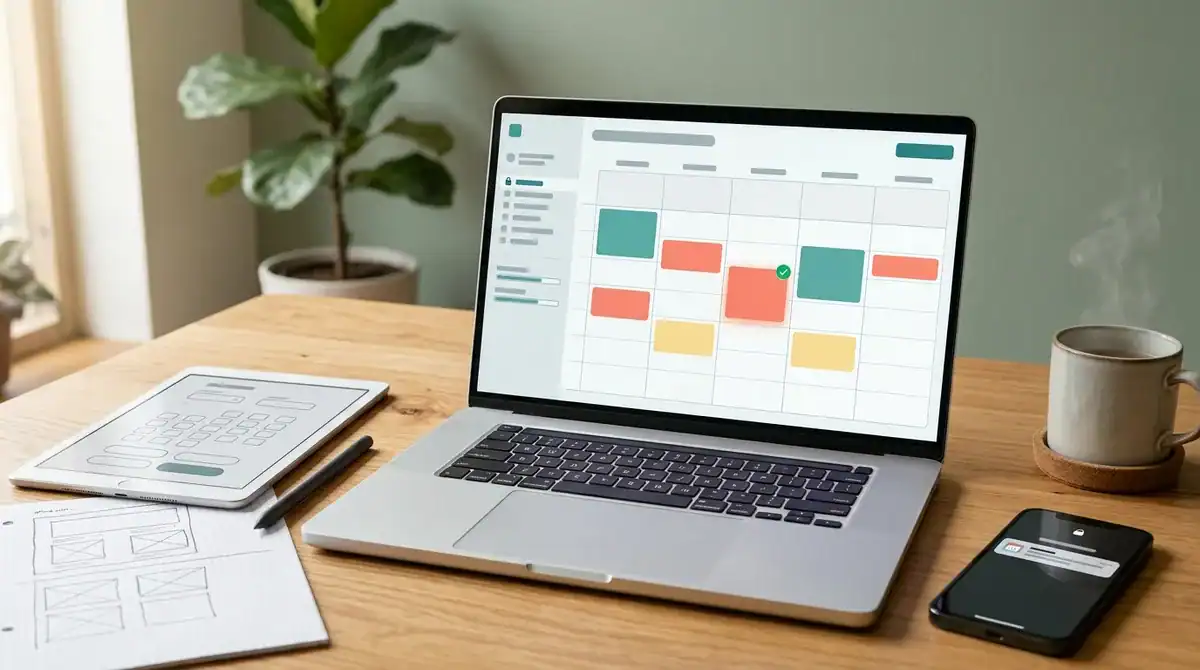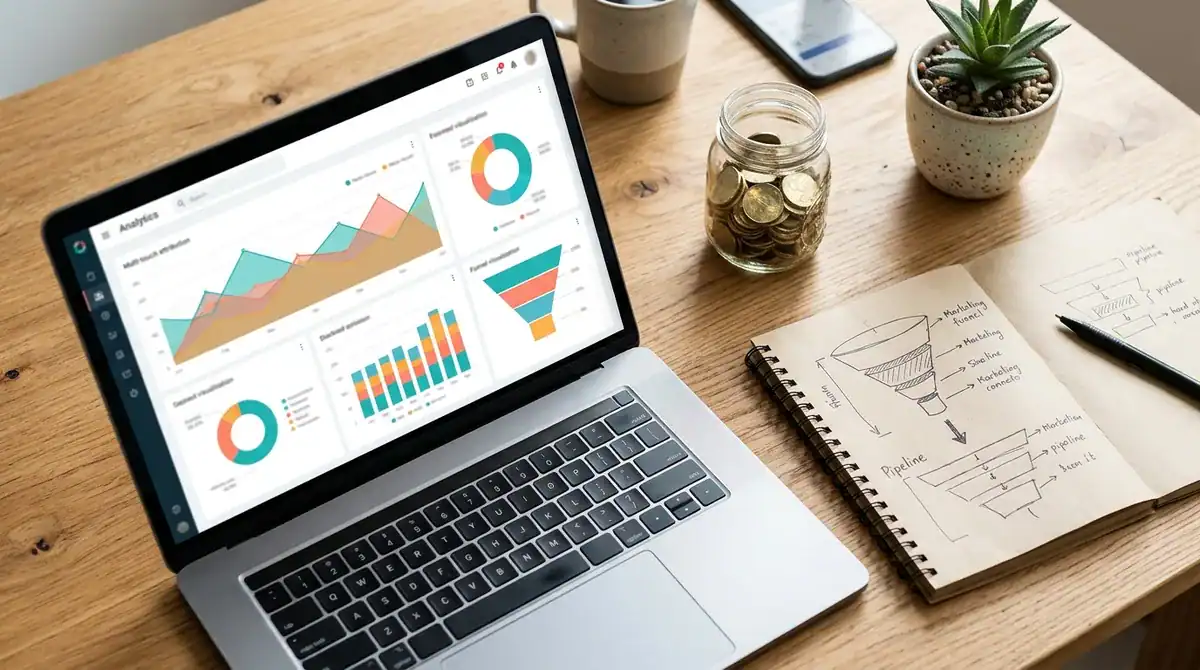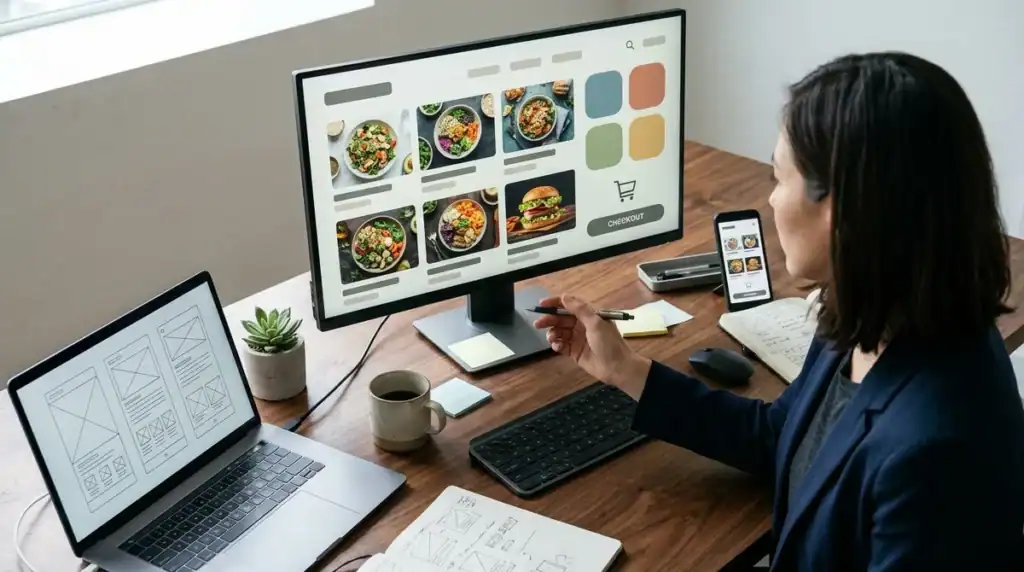
An online ordering website developer builds the website, the ordering flow, and the back-end tools that let customers place and pay for orders without calling or visiting in person. Demand makes this work urgent. The National Restaurant Association reported that nearly 75% of U.S. restaurant traffic happened off-premises in 2025, and its 2024 technology research found that 84% of delivery customers would order through a restaurant’s website. A capable developer therefore delivers far more than a polished homepage. The scope covers menu and catalog management, pickup and delivery workflows, payment processing, and connections to the point-of-sale and inventory systems you already use.
Compliance belongs in that scope from the start. U.S. businesses open to the public must make their online services accessible under ADA Title III, and any page that collects card payments must meet PCI DSS v4.0.1 requirements. When choosing a partner, confirm that both areas are planned before development begins, not patched after launch.
Key Takeaways
- Online ordering website developers should confirm that PCI DSS v4.0.1 payment security and ADA Title III accessibility are planned before development begins, not patched after launch.
- Nearly 75% of U.S. restaurant traffic happened off-premises in 2025, and 84% of delivery customers would order through a restaurant’s website.
- The final cost of a custom online ordering website depends on menu complexity, integrations, custom workflows, and post-launch maintenance, so buyers should request a line-item estimate that separates the one-time build from monthly platform, card, and maintenance costs.
- Restaurant chains with 20 or more locations operating under the same name and offering substantially the same menu must meet the FDA’s menu-labeling rule, so their ordering systems need calorie data built in from the start.
- Before signing with an online ordering website developer, businesses should get written confirmation of who owns the domain, source code, admin logins, and customer records after launch.
What Does an Online Ordering Website Developer Do?
An online ordering website developer builds the storefront, cart, checkout, and order management tools that let customers choose, pay for, and track an order without calling or visiting in person. That means turning a restaurant menu or retail catalog into a live, searchable online store and connecting every paid order to the staff who fill it.
Direct ordering has become a daily habit. Mobile ordering is now common, with 57% of adults having recently used it, so customers now expect to get from a phone screen to a paid order in a few taps. Each extra step in the cart, each unclear pickup time, and each failed payment is a point where the customer may leave and order elsewhere.
The cart and checkout must handle the details of the business. A restaurant needs modifiers such as “no onions” or “sauce on the side,” size options, minimum order amounts, and pickup time slots. A retailer needs variant selection, stock counts, shipping rates calculated by address, and a clear order confirmation.
Order management is the part customers never see. A developer sets up a dashboard or kitchen ticket feed that shows incoming orders, lets staff move each order from received to preparing to ready, and sends status texts or emails to the customer. For delivery, the build includes a service radius, a fee calculation, and a handoff process so drivers see the correct address and order.
Finally, the developer connects the site to the systems you already run. When a dish sells out at the point-of-sale terminal, it should disappear from the online menu. When an online order is paid, the sale and inventory count should update in your accounting and stock records without manual re-entry.
Which Features Should Your Online Ordering Site Include?
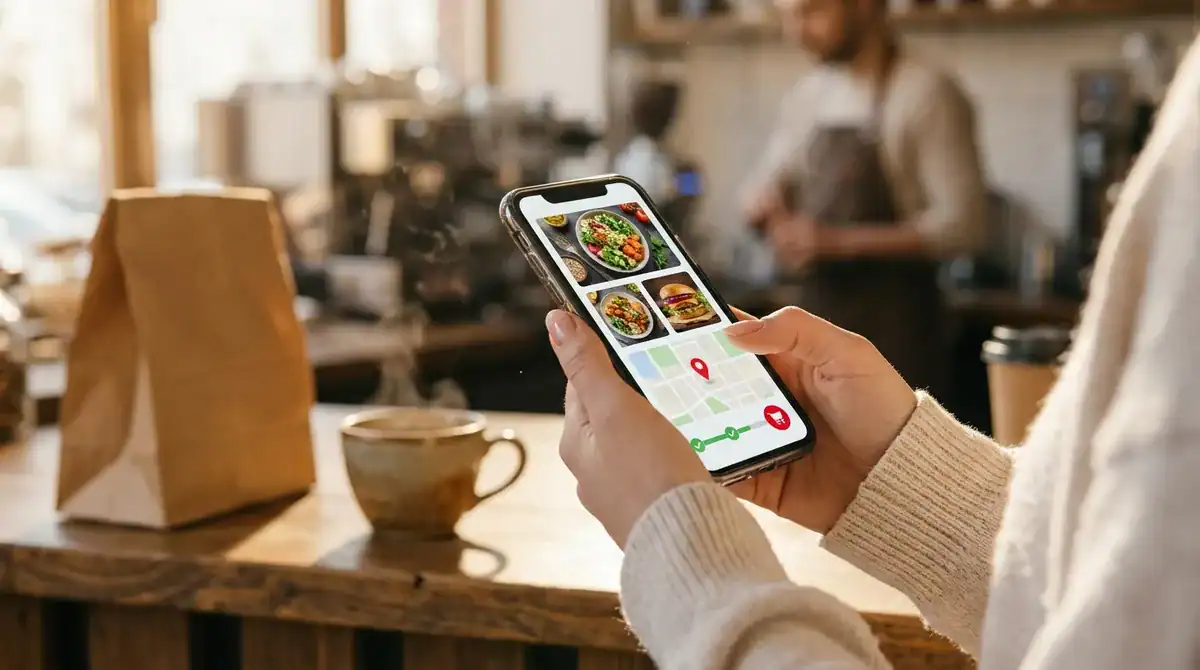
A strong online ordering site is built around five core features: catalog management, pickup and delivery workflows, mobile-friendly ordering, payments with notifications, and integrations with the systems you already run. Tie each feature to a result you can measure, such as fewer abandoned carts or fewer phone calls during the lunch rush.
Mobile ordering is a growing channel, and with 57% of adults having recently used it, the phone is often the only screen a customer sees. Plan for large tap targets, short checkout forms, and saved addresses and payment details so a repeat order stays quick.
The build should cover five areas:
- Catalog management: staff should update prices, mark items sold out, and switch between breakfast and dinner menus from one screen without waiting for a developer.
- Pickup and delivery: bookable time windows, such as short fixed slots, keep the kitchen from receiving a rush of orders at the same moment.
- Payments: card, digital wallet, and pay-at-pickup options should show a clear retry message when a card fails, so the customer does not abandon the order.
- Notifications: staff receive an alert when an order is paid, and customers receive a text when their order moves to ready.
- Integrations: connections to your point-of-sale, inventory, and accounting software should mean one sale updates the stock count and the books automatically.
Ask each developer to demonstrate these features using your actual menu or product catalog rather than a generic demo. That exercise quickly reveals whether the team understands your modifiers, time-slot rules, and stock logic, or whether those details will be discovered after launch.
How Much Does an Online Ordering Website Cost to Build?
An online ordering website costs what its scope requires, so the final price depends on the number of locations, menu or catalog size, integrations, custom workflows, and the maintenance you need after launch. Published platform prices give you a recurring-cost benchmark, but they are not a quote for custom development.
Monthly platform plans in the market typically run $0, $49, and $149 per location. These are subscriptions that cover hosting and built-in tools, not a developer’s time to shape your menu, pickup rules, or stock logic. Card processing is a separate recurring cost, with online rates generally around 3.3% plus 30 cents per transaction on free tiers and 2.9% plus 30 cents on paid tiers. Some paid tiers offer a free 30-day trial, while free tiers have no monthly subscription cost.
Recurring figures multiply with each location. A five-location restaurant group pays the per-location rate five times, and a shared menu across those sites needs its own rules for local prices and item availability. A custom build is priced differently, and the developer’s estimate usually rises with these drivers:
– Menu complexity: modifiers, combo deals, and size options each add build and testing time. – Integrations: every point-of-sale, inventory, or accounting connection needs its own data mapping and testing. – Custom workflows: split delivery zones, loyalty rules, or bulk catalog imports are built from scratch rather than switched on. – Ongoing maintenance: menu updates, payment-provider changes, and security patches continue after launch.
Ask each developer for a line-item estimate that separates the one-time build from the monthly platform, card, and maintenance costs. A clear breakdown makes it easier to compare proposals and see which features you can phase in later.
Payment Security, Accessibility, and Web Standards to Plan For
Card payments create the most immediate technical duty. The revised eligibility criteria for PCI DSS v4.0.1’s SAQ A questionnaire took effect on April 1, 2025, and they apply to e-commerce merchants whose pages embed a third-party payment form. Those merchants must confirm that the payment page is protected against script attacks. In practice, the developer should list every script that loads on the checkout page, remove unused tracking tags, and document which provider hosts the card fields.
The Americans with Disabilities Act also applies to the ordering site. The U.S. Department of Justice states that ADA Title III covers businesses open to the public, including food-and-drink establishments and retail stores, and that its requirements extend to services offered on the web. A restaurant’s online menu and cart are therefore part of the public service the business provides.
The Justice Department has not issued a regulation with detailed technical standards for web accessibility, but it identifies the Web Content Accessibility Guidelines (WCAG) as helpful technical guidance. Your developer should test the ordering flow against those guidelines. Check that a shopper can move through the menu and cart with a keyboard alone, that every form field has a visible label, and that a declined card produces a readable error message.
The W3C reported that WCAG 2.2 was approved as the international standard ISO/IEC 40500:2025 on October 21, 2025. That gives a project a fixed, internationally recognized version to cite in its acceptance criteria. Ask the developer to name the WCAG 2.2 success criteria the build will be tested against.
When you compare proposals, ask each developer which SAQ A requirements the checkout design meets, which WCAG 2.2 criteria they will test, and who runs those checks after launch. Written answers show whether compliance is planned into the build or left for later repair.
Which Legal Rules Apply to Your Menu and Shipping?
Menu labeling rules apply to large restaurant chains, and shipping-time rules apply to retailers that sell merchandise online. Confirm which one fits your business before scoping. The FDA’s menu-labeling rule covers qualifying restaurant and similar retail-food chains with 20 or more locations that operate under the same name and offer substantially the same menu items. Covered establishments must disclose calories for standard menu items and provide specified written nutrition information when a customer asks for it.
A single café or a small local group usually falls below that threshold. A franchise or restaurant group that reaches 20 or more sites under one name, however, needs nutrition data built into the ordering system from the start. Each menu item should carry its calorie value, and the same data should appear on the online menu and in a printable nutrition sheet. Your developer should also confirm how the system handles recipe changes, so the figures stay accurate when a dish is reformulated.
Retailers face a different rule. The Federal Trade Commission says that sellers shipping merchandise must meet the shipping time promised in their advertisements. If an advertisement makes no time promise, the seller must ship within 30 days after receiving the buyer’s name, address, and payment or authorization to charge.
Those two rules change the build in specific ways:
- Calorie fields and nutrition sheets on every menu item, kept in sync with the point-of-sale recipe data.
- Shipping promises on product pages that match the dispatch rules applied in checkout.
- Timestamps that record when payment was authorized, so the 30-day window can be tracked for orders without a stated delivery time.
Ask each developer to show where these fields and timestamps appear in the admin screens and to explain how the shipping promise in your product copy stays in line with the dispatch schedule. Those answers reveal whether the rules are part of the design or an afterthought.
How Do You Choose the Right Online Ordering Website Developer?

Choose the developer who can show working ordering sites like yours, explain how a menu change reaches the checkout, and state in writing who owns the site, code, and customer data after launch. Ask for two or three live examples of ordering or catalog sites in your category, and ask how each team handled a sold-out item, a seasonal menu swap, or a price change across several locations. Those answers show whether the team has managed ongoing changes or only delivered a launch.
The biggest difference between providers is scope. A build-only contractor delivers the site and leaves marketing to you. Dig Designs takes an all-in-one approach, combining web development, SEO, and paid search marketing, with conversion-driven websites designed to generate leads. That combination matters after launch, because the team that built the checkout can also work on the pages customers find through search and the campaigns that send them to order.
Before you sign, work through these questions with each shortlisted developer:
- Ask for a walkthrough of a live ordering site, and have the team change a menu item while you watch.
- Ask which point-of-sale, inventory, and accounting systems they will connect, and who tests each connection before launch.
- Ask who will hold the domain, source code, admin logins, and customer records after launch, and have that answer written into the contract.
- Ask what support is included after launch, how quickly menu and payment problems are fixed, and whether that support is billed monthly or per request.
- Ask how search and paid campaigns will be tracked against orders and leads, and who will send you the reports.
Scoping Your Online Ordering Project with Dig Designs
Before you talk to any developer, write a one-page brief. List every location, your approximate menu item or product count, the point-of-sale, inventory, and accounting software you already use, and whether you ship merchandise or operate 20 or more sites under one name. That list shows which compliance and integration work applies to your business, so a developer can quote the real scope instead of a guess.
Next, identify the ordering problem that costs you the most today, such as phone orders that stall during the lunch rush or carts abandoned at the card step. Ask each candidate to design the fix for that problem first, and to show a test plan with dates you can check.
Dig Designs can help turn that brief into a plan. As a digital agency, Dig Designs combines web development, SEO, and paid search marketing, so the checkout customers use is built by the same team that drives them to it. That matters when you want to know which search terms and campaigns are producing paid orders. If you want to understand the return on that search traffic before committing budget, read “Local SEO ROI: Analyzing The Returns For Service Businesses” next.
Reach out to Dig Designs at digdesigns.com to start scoping your online ordering project.
Frequently Asked Questions
1. How long does it take to build an online ordering website?
The build time for an online ordering website depends on the size of the menu or catalog, the number of locations, and how many point-of-sale, inventory, and accounting connections must be built and tested. A single-location restaurant with a standard menu and one integration takes far less time than a multi-location group with modifiers, time-slot rules, and custom delivery zones. Ask each developer for a dated project plan that separates design, integration testing, accessibility testing, and payment testing so you can check progress at each stage.
2. Should I use a website builder or hire a custom developer for online ordering?
A website builder suits a single location with a simple menu, standard pickup, and no custom stock or accounting rules. A custom developer is the better choice when you need specific modifiers, split delivery zones, shared menus across several locations, or direct connections to your existing systems. Platform plans typically cost from $0 to $149 per location each month, but they do not include a developer’s time to shape your menu, pickup rules, or stock logic.
3. How can I get customers to order directly instead of through third-party apps?
Customers are more likely to order directly when the ordering site makes the process faster than a delivery app, with saved addresses, saved payment details, and clear pickup or delivery times. Search visibility also matters, because customers who search for your restaurant or shop by name need to land on your own ordering page. Offering a clear reason to order on your site, such as easier reordering or fewer steps at checkout, helps turn repeat customers away from third-party platforms.
4. What happens to orders if the internet connection or point-of-sale system goes down during service?
If the internet connection fails, the online ordering site can stop accepting new orders until service is restored, which is why the developer should plan a fallback for the kitchen and the phone line. If the point-of-sale connection drops, paid online orders should still be stored by the ordering system and sent to staff once the connection returns. Ask each developer to show how orders are queued, how staff are alerted to a failed connection, and how stock counts are reconciled after an outage.