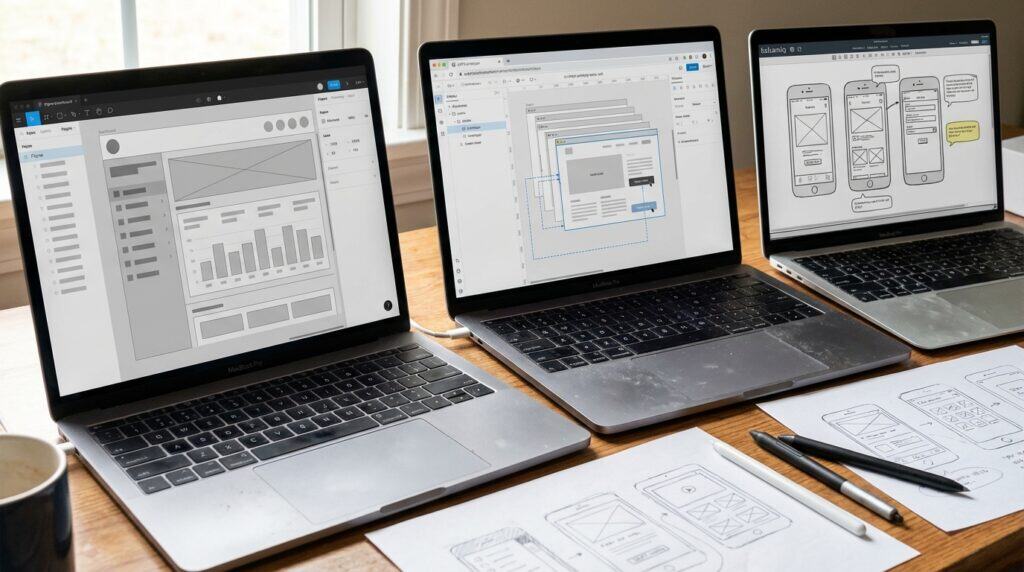
SaaS wireframing tools are cloud-based platforms reshaping UI/UX design in 2025. Designers move beyond traditional paper sketches to dynamic digital environments supporting real-time collaboration and instant feedback. These tools let teams iterate quickly. Ideas evolve from concept to prototype. Accessible from any device, they eliminate version control issues and foster inclusive workflows. Figma offers auto-layout and component libraries in the browser.
AI integration marks a shift in wireframing. Tools like Figma use AI-powered suggestions for layouts and UI elements to speed up design. Beginners use drag-and-drop interfaces in Moqups, complete with templates for wireframes and flowcharts. Collaboration allows multiple users to edit simultaneously without software installations. This setup empowers solo creators to produce professional outputs.
The SaaS model makes high-quality wireframing available to teams of all sizes in 2025. Pricing fits diverse needs, from Figma’s free tier with limited projects to professional plans at $15 per editor monthly. AI capabilities predict user flows and generate interactive prototypes, reducing manual work. These platforms serve collaborative environments needing speed and scalability. They turn abstract visions into tangible designs faster.
Key Takeaways
- SaaS wireframing tools in 2025 enable real-time collaboration, AI-powered layout suggestions, and device-agnostic access, shifting from paper sketches to dynamic prototypes.
- Figma leads with Auto Layout for responsive designs, advanced prototyping, AI UI suggestions, and scalable pricing from a free tier to $15 per editor monthly.
- Beginner-friendly tools like Moqups and Balsamiq offer intuitive drag-and-drop interfaces, templates, and low-fidelity sketches at affordable prices starting at $9/month.
- AI integration across tools accelerates ideation, reduces manual work, and enhances team efficiency for all project sizes.
Figma Leads SaaS Wireframing Collaboration
Figma excels in real-time collaboration. Multiple designers edit simultaneously. Auto Layout creates responsive designs that adapt elements across screen sizes without manual tweaks. Advanced prototyping supports interactive flows with animations and transitions, streamlining the path from wireframe to high-fidelity mockup. Teams value efficient feedback loops during early design stages.
Pricing makes Figma accessible for various team sizes. A free tier supports up to three projects and two editors. The Professional plan costs $15 per editor per month and unlocks unlimited projects, version history, and advanced sharing. This structure suits startups scaling design processes affordably. Developers and designers praise its cost-effectiveness for collaboration.
Figma’s AI-powered UI suggestions generate layout ideas and component variations instantly. These features predict user needs, speed up ideation, and maintain design consistency. In fast-paced SaaS development, such features help teams iterate faster and align visions. Figma sets the benchmark for wireframing tools focused on collective creativity.
Balsamiq Moqups UXPin Core Features
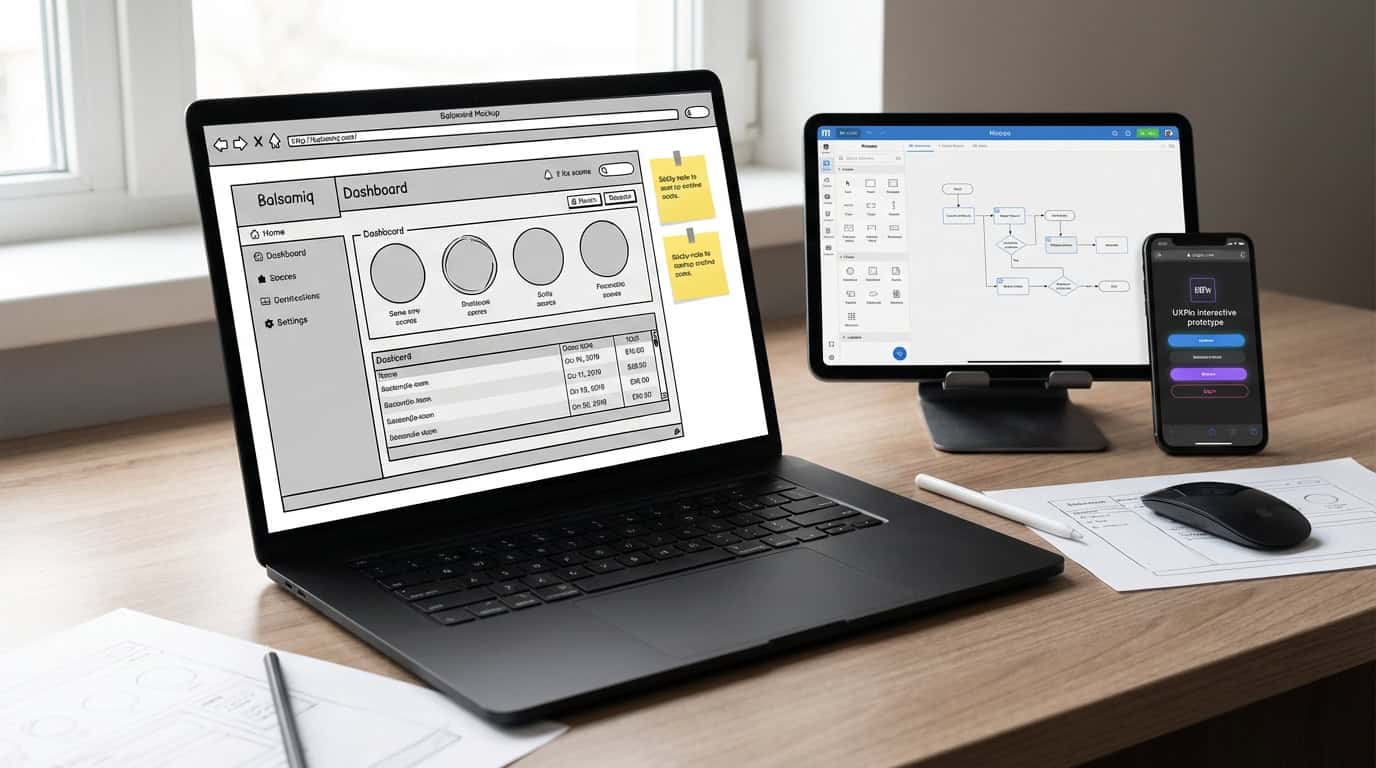
Balsamiq creates low-fidelity sketches resembling hand-drawn wireframes. It suits non-designers for ideation. The drag-and-drop interface uses basic UI elements to mock up ideas quickly without details. Teams use it for rough brainstorming that fosters creativity early. Collaboration occurs through shared links. Exports to PDF or images keep workflows smooth. At $9 per user monthly, it offers rapid prototyping affordably.
Moqups simplifies wireframing for beginners with drag-and-drop tools and templates for wireframes, flowcharts, and diagrams. Users assemble pages in minutes and add annotations or basic interactions. Real-time collaboration and commenting enable straightforward team feedback. A free tier allows testing. Paid plans from $13 monthly unlock unlimited projects and exports. It suits solopreneurs or small teams needing accessible design.
UXPin connects design and development through code integration and design system syncing. Prototypes align with real codebases. Designers import libraries from Figma or Sketch and generate interactive specs for developers. Version control and component libraries streamline handoffs and reduce errors. Pricing starts at $6 per editor monthly. It excels for professionals needing precision in collaborative workflows in 2025.
AI Transformations in SaaS Wireframers
Figma leads AI transformations in wireframing with auto-layout that adjusts elements for responsive designs. Smart UI suggestions predict and generate layout options based on input, reducing manual tweaks. Designers iterate prototypes faster while maintaining consistency. In teams, AI enhances collaboration by suggesting reusable components.
UXPin provides limited AI integration focused on conditional interactions and basic automation. It supports complex prototypes but lacks Figma’s predictive suggestions. UXPin suits advanced users prioritizing precision. Its AI adds interactivity through dynamic data simulation in wireframes.
Compared to non-AI tools like Balsamiq with simple sketches and static mockups, AI options increase speed and engagement. Balsamiq works for quick solo ideation but lacks responsive adaptability and team prototyping. AI tools redefine workflows, shortening alignment time.
FAQ: SaaS Wireframing Tools Essentials
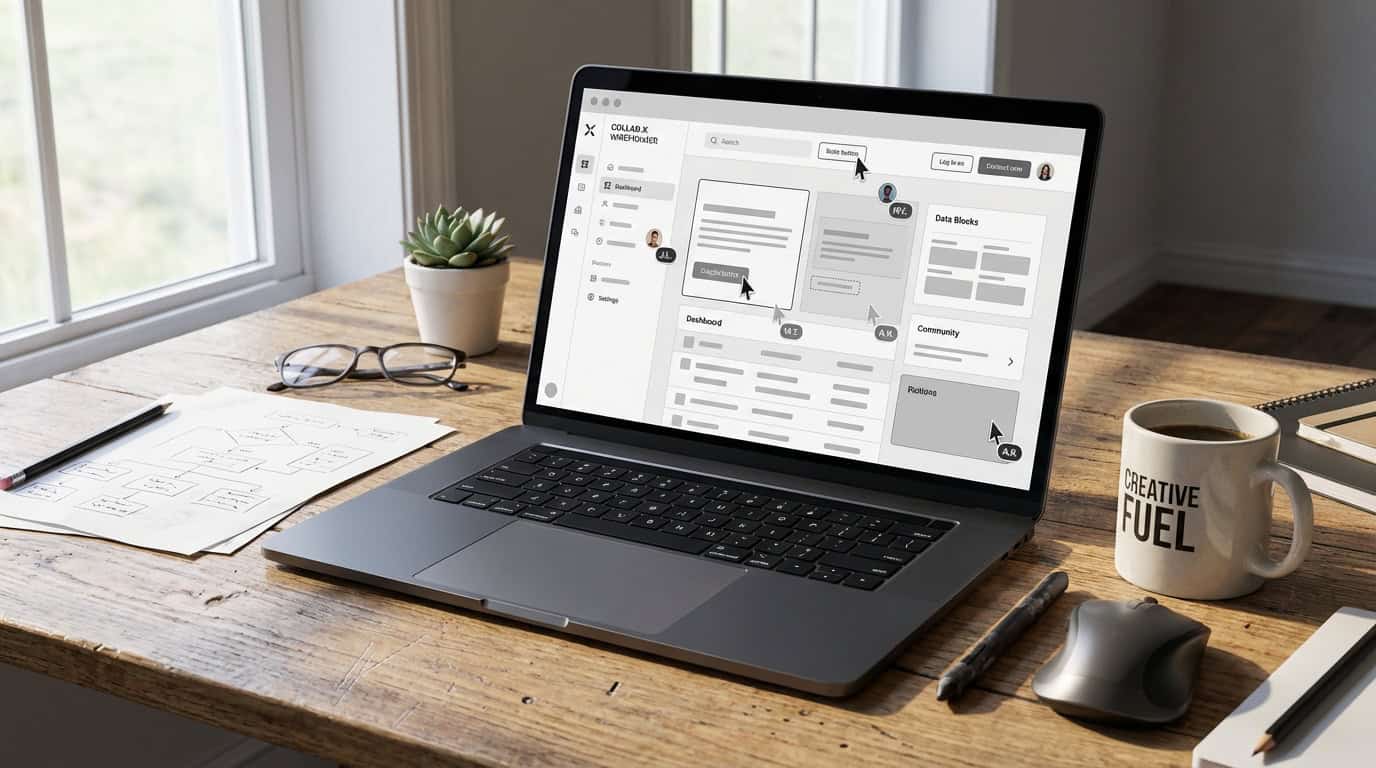
Beginners prefer Moqups and Balsamiq for intuitive drag-and-drop interfaces and pre-built templates that speed up sketches. Figma’s free plan limits to three projects and two editors. Professional tiers start at $15 per editor monthly for unlimited features. Balsamiq’s $9 per user monthly model suits solo creators. Moqups offers a free tier for basic needs.
AI readiness varies. Figma leads with smart UI suggestions and auto-layout for responsive designs. Moqups uses basic AI for template generation but lacks depth in prototyping. Free plans limit collaboration, such as Figma’s editor caps or Moqups’ sharing restrictions. Paid upgrades enable real-time edits. Emerging AI tools automate feedback loops for remote workflows.
Figma integrates with development pipelines via plugins for code export to React. Balsamiq provides simple SVG exports for clarity. In 2025, Figma emphasizes collaboration and AI. Balsamiq prioritizes speed. Choose Figma for teams or Balsamiq for solos. Test free tiers to match needs.
2025 SaaS Wireframing: AI Meets Efficiency
In 2025, SaaS wireframing tools blend reliability with AI innovations for efficiency. Figma excels in real-time collaboration and responsive features like Auto Layout. Beginners like Moqups for drag-and-drop interfaces and templates. These tools streamline workflows from sketches to prototypes. They make high-quality wireframing accessible to diverse teams.
Figma leads with its cloud ecosystem, component reuse, and AI-driven UI suggestions. It starts with a free tier for small projects. Moqups supports basic collaboration, flowcharts, and exports for quick starts. Professional plans cost around $15 per editor monthly. Options fit solo designers and large groups. AI enhances speed without losing creativity.
Team size and project needs determine the right tool. Figma fits collaborative environments with advanced prototyping. Moqups suits novices seeking simplicity and affordability. As AI evolves, platforms offer faster design processes. Experiment with free tiers to find the best fit.
Frequently Asked Questions
1. What are SaaS wireframing tools?
SaaS wireframing tools are cloud-based platforms for dynamic UI/UX designs with real-time collaboration and instant feedback. Shift from paper sketches to digital environments accessible on any device. Eliminate version control issues. Enable quick iterations from concept to prototype.
2. Why choose SaaS wireframing tools in 2025?
In 2025, use AI for layout suggestions and interactive prototypes to boost efficiency. These tools make professional wireframing available to all teams with scalable pricing and collaboration. Turn abstract ideas into tangible designs faster.
3. How does real-time collaboration work in SaaS wireframing tools?
Real-time collaboration lets multiple designers edit simultaneously without installations. Get instant feedback and iterate in shared spaces. Figma centers this for efficient workflows.
4. What makes Figma the leader in SaaS wireframing?
Figma offers seamless real-time collaboration and Auto Layout for responsive designs. Build adaptive elements and use component libraries in the browser. It excels in speed, scalability, and teams.
5. Are there beginner-friendly SaaS wireframing tools?
Yes. Moqups provides intuitive drag-and-drop interfaces and templates for wireframes and flowcharts. Start quickly without a steep learning curve. Solo creators produce professional results.
6. How is AI changing SaaS wireframing tools?
AI provides suggestions for layouts, UI elements, user flows, and prototypes. Cut manual work and accelerate design. Classic tools with AI define 2025 efficiency.
7. What pricing options exist for SaaS wireframing tools?
Figma offers a free tier for limited projects and professional plans at $15 per editor monthly. Structures fit individuals, small teams, and enterprises. Scale affordably.
8. Can you use SaaS wireframing tools on any device?
Yes. Cloud platforms work from any internet-connected device without installations. Avoid version control hassles for flexible workflows. Accessibility supports inclusive design.