In TouchBistro’s 2024 U.S. Diner Trends Report, 85% of surveyed American diners said they always or usually look up a restaurant’s website before dining. For a Greensboro restaurant, that makes the website an early sales conversation. It should show the menu, hours, and a clear way to reserve or call from a phone screen.
When you compare agencies, ask for specifics rather than general promises. Price the one-time build and the monthly costs separately, because a template site and a custom menu layout can differ widely in cost. Installed website prices in the Greensboro area typically start in the low thousands of dollars for a small multi-page site, and ongoing hosting, security, and updates are a separate line item. Ask about timing too. General website projects in the area typically take three to four weeks from kickoff to launch, and that schedule stretches when menus, photos, or brand decisions arrive late. At Dig Designs, the four-step launch process starts with your business details, moves to choosing a site style, adds any add-on services, and ends with login details sent within three days or less. We also back our work with a 30-day money-back guarantee. Accessibility belongs on the checklist as well, since the U.S. Department of Justice says ADA Title III applies to food and drink establishments and to the goods and services they offer online.
Key Takeaways
- A restaurant website design agency should be judged on how it plans, prices, and maintains the site, because 85% of surveyed American diners in TouchBistro’s 2024 report say they always or usually look up a restaurant’s website before dining.
- Greensboro restaurant owners should expect a one-time website build to cost roughly $2,000 to $6,500, depending on page count, design approach, and features, and should budget ongoing maintenance such as the $47/mo Dig Designs Website Management plan separately.
- Restaurant websites typically take two to four weeks from kickoff to launch, and late menus, photos, or brand decisions are the most common cause of delays in that schedule.
- Restaurant owners should put reserve, call, and order buttons on the first screen of the homepage and keep them visible on phones as guests scroll, since a guest who has to hunt for the booking link may choose another restaurant.
- Restaurant websites fall within ADA Title III scope as goods and services offered online by food and drink establishments, so owners should use WCAG 2.2 as a practical accessibility benchmark.
How Much Does a Restaurant Website Design Agency Cost?
Expect a one-time restaurant website build in the Greensboro area to cost roughly $2,000 to $6,500. The final price depends on page count, design approach, and features. Price points in the area have run about $2,000 for a site of up to 6 pages, $3,500 for up to 12 pages, and $6,500 for up to 25 pages. Larger custom builds cost more than those figures.
Page count is the first thing that moves the price. A restaurant site with a home page, a menu, hours and location, and a contact page usually fits the smaller tiers. Separate pages for private dining, catering menus, or a gallery of events push the project into a higher tier.
Template and custom designs also differ in cost. A template built from a ready-made theme takes less design time than a layout built around your menu photography, brand colors, and online ordering flow. Dig Designs builds on WordPress and has you choose a site style from its theme catalog during launch, which keeps the design phase shorter than a fully custom layout.
Some local quotes start with a base fee and then add a few extra pages and copy work. Before you compare totals, ask each agency what its base price covers, how many pages are included, who writes the menu descriptions, and how many rounds of revisions are allowed. Two quotes that look far apart may be pricing different scopes.
Add-ons are usually priced separately from the build. Online booking integration is often a one-time fee, commonly around $300 in the area. Ask whether the reservation tool is included and whether it connects to the booking system you already use.
Dig Designs Website Management plans run $47/mo with 10 GB of storage and 75 GB of bandwidth. The $97/mo plan is for WooCommerce or eCommerce sites and includes 50 GB of storage, 500 GB of bandwidth, and three thirty-minute tasks a month. The $497/mo plan includes 500 GB of storage, 2 TB of bandwidth, and eight thirty-minute tasks a month. Every plan includes weekly plugin and theme updates, daily off-site backups, daily malware and vulnerability scanning, a free SSL certificate, and monthly care reports. If you run an online store that sells products, the eCommerce tier is built for that kind of site.
Marketing is a separate line item too. SEO plans start at $497/mo for one blog post a month and on-page optimization for one page. Social media marketing starts at $497/mo for 12 posts and one hour of engagement. Keep these in their own budget rather than folding them into the build.
Here is a simple first-year example. A 6-page site at $2,000 with the $47/mo maintenance plan comes to $2,564 in year one, before any booking fee. Add the $497/mo SEO plan for the full year and the total rises to $8,528. These numbers show why owners should plan the build and the monthly costs together.
What Does the Website Development Process Look Like?
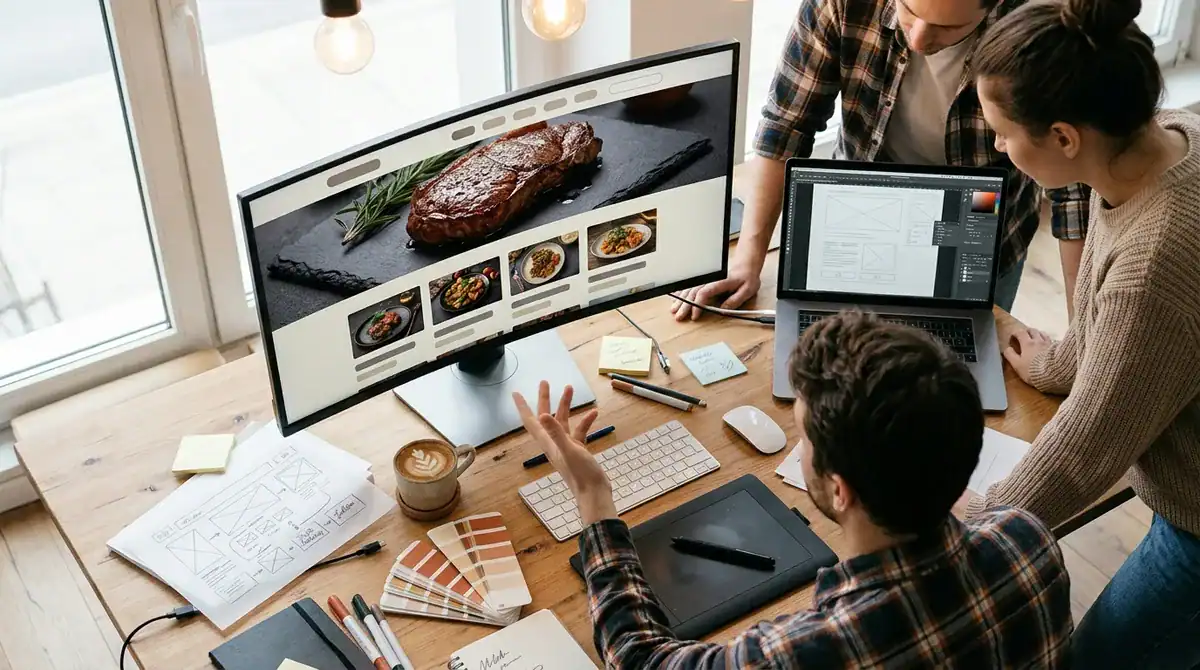
A Dig Designs website project moves through four launch steps, from the first conversation about your restaurant to the login details for your live site. At each stage, you supply specific material or decisions.
Gather your materials before the build starts. Prepare the full menu with item names, descriptions, and prices, your current hours including holiday changes, photos of the dining room, kitchen, and signature dishes, and the address, phone number, and parking details for each location. A layout cannot be finished without this content, so late menus or photos are a common reason a project falls behind schedule.
The launch itself follows four steps, and each one asks for a single decision or action from you:
- Tell us about your business by sharing your restaurant’s name, locations, cuisine, and the actions you want guests to take, such as reserving a table, calling, or ordering takeout.
- Choose a site style from the theme catalog by picking the look that fits your dining room and confirming your logo and brand colors.
- Choose add-on services, so they are built into the plan from the start rather than added after launch.
- Receive your login details for the new site and digital campaign, which are sent within three days or less.
Sites are built on WordPress, which lets your team edit content later without rebuilding the site. A Tuesday special, a seasonal menu change, or a new holiday closing becomes a small text edit in the editor rather than a new project.
The site style you choose in step two shapes both cost and brand match. A theme from the catalog keeps design time short, which keeps the project in the lower price tiers described above. However, the layout follows the theme’s structure, so your photos, colors, and menu wording carry most of the personality. A fully custom layout matches your brand and dining room more closely, but it adds design hours and usually moves the project into a higher tier.
Settle brand decisions early. Decide on logo files, brand colors, fonts, and the tone of your menu descriptions before design begins. Those choices feed directly into the site style, and changing them after the design is approved means revisiting work that is already done.
How Long Does a Restaurant Website Take to Launch?
Custom restaurant websites are commonly scheduled at two to four weeks from kickoff to launch. A typical phase breakdown adds up to about three weeks: roughly three days of discovery, one week of design, one week of build, three days of review, and one day to launch. The two-week end of that range is only reachable when every step moves without waiting on you.
Greensboro-area providers describe general website projects as taking three to four weeks, and a restaurant site with a custom menu layout usually sits toward the longer end of that window. A template-based site with a simple menu can move faster because the design phase is shorter.
Delays most often come from content, not from the build itself. A menu sent in pieces, photos that need resizing, or several people sending conflicting edits can cost more time than the design work. Before discovery ends, send the complete menu with item descriptions and prices, your current hours including holiday changes, and the full photo set. Name one person who approves changes so feedback arrives in one place.
Work backward from the date that matters. If you want a new menu live before a holiday weekend, a grand opening, or the start of patio season, set the launch date well ahead of that event. Leave room for at least one full review round, and expect that a late photo or a changed price can push the schedule back by days.
The first launch carries most of the timing risk. After that, a seasonal special, a new catering menu, or a temporary closing is usually a text edit in the WordPress editor, so you can publish it on short notice without starting another project. Plan the big content work, such as a redesigned menu or new photography, for the quiet weeks between busy seasons rather than during the rush.
Should a Restaurant Website Handle Online Ordering and Reservations?
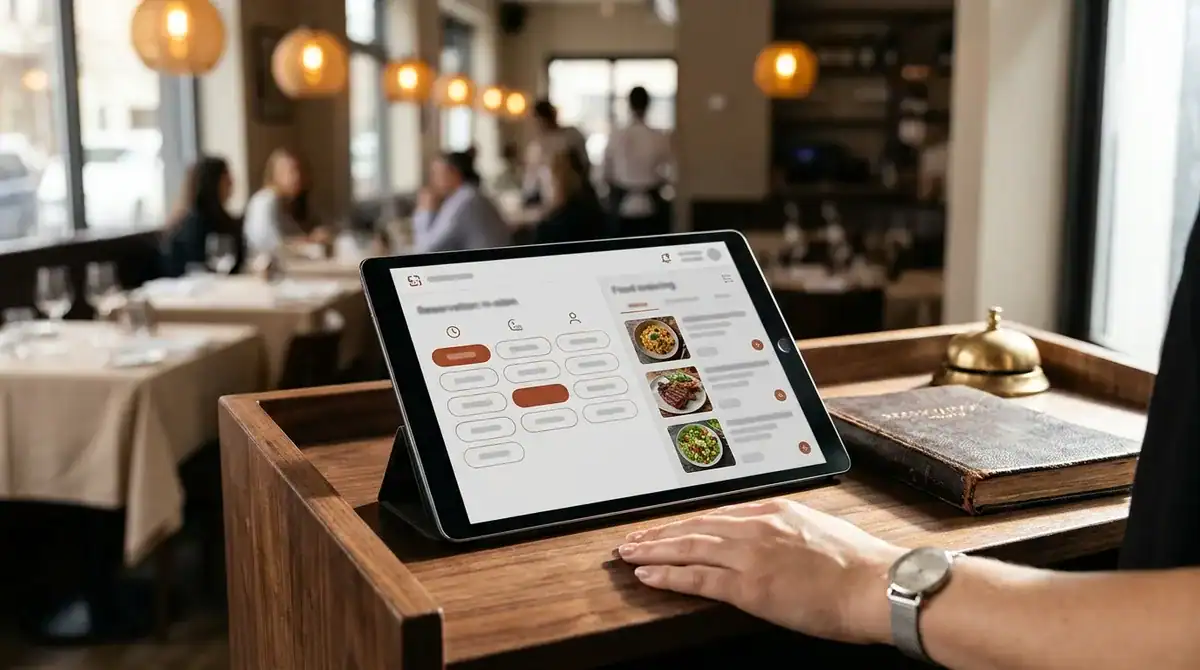
In a 2024 U.S. diner survey, 85% of diners said they look at a restaurant’s menu online before choosing a new place to eat, so the menu is often the first page a guest opens. Reservations and takeout also belong on the site. The same survey found that 24% of diners would order takeout using a restaurant’s website, so a site that handles ordering can capture guests who would otherwise call or leave.
Reservation and ordering buttons should be easy to find without searching. On the homepage, the reserve, call, and order buttons should sit on the first screen a visitor sees, before any scrolling. On a phone, those buttons should stay visible as the guest scrolls, rather than sitting inside a navigation menu that must be opened first. A guest who has to hunt for the booking link may simply choose a restaurant whose option is easier to find.
The menu page needs the same care. Write item names, descriptions, and prices as plain text rather than placing the whole menu in an image, so guests can read it on a phone and search for a specific dish. Update prices and sold-out items in one place so the menu page matches what your staff quotes at the door.
Integrations are where many restaurant sites run into trouble. A point-of-sale system is the register and order software your restaurant already uses. When a website connects to it, an online order can reach the kitchen without someone retyping it. Third-party delivery services are apps that list your menu for delivery customers. Connecting them to your site means menu items and prices have to match across each platform.
Which connections you need depends on what you already use. Ask each agency which point-of-sale, reservation, and delivery systems it has connected before, and ask how a price change or a sold-out item moves from your register to the website. An agency that cannot name a system it has linked is describing a plan, not a track record.
Once the buttons and forms are live, measure what they produce. Google Tag Manager lets an agency add tracking to a site without editing every page, and it can record phone number taps and form fills. Those counts show which website actions bring in guests. If calls spike after a menu update but reservation form fills stay flat, you know where to focus the next change.
Plan for how the features will change, too. A new brunch menu, a private dining request form, or a second reservation option should be a simple addition to the existing structure, not a rebuild. Ask how the site handles those edits before you sign, because the answer shapes what the site can do a year from now.
Mobile Design and Accessibility Requirements for Restaurant Sites
Many diners open a restaurant site on a phone, often while deciding between two nearby places. The menu, hours, directions, and reservation button must work at a narrow screen width without zooming or sideways scrolling. Make the address a tappable link that opens the map app, and make the phone number a tap-to-call link rather than plain text.
Menus need their own mobile check. A single-column list of item names, descriptions, and prices reads more easily than a multi-column PDF that forces guests to pinch and scroll. Food photos should fit the width of the screen without cutting off the dish.
Accessibility is the second requirement. ADA Title III applies to businesses open to the public, including food and drink establishments, and to the goods and services they provide online. A restaurant’s website falls within that scope. Federal guidance has not set detailed technical standards for business websites, which leaves a practical benchmark in WCAG 2.2. WCAG 2.2 became a W3C Recommendation on December 12, 2024, and W3C advises using it to maximize the future applicability of accessibility efforts.
Start with a few concrete checks. Text should have enough contrast against its background to remain readable in a bright dining room or on a patio at midday. Every food photo needs alt text that names the dish, so a screen reader user knows what the image shows. The reservation form and menu links should be reachable with the Tab key, and every form field needs a visible label. At Dig Designs, the site style step includes confirming your logo and brand colors. That is the right moment to test whether those colors pass the contrast check on buttons and headings.
Chains have an added rule. Under FDA menu-labeling requirements, covered restaurants must disclose calories for standard menu items and provide additional written nutrition information on request. Covered chains are those with 20 or more fixed locations that operate under the same name and offer substantially the same menu. The FDA treats online menus used for ordering as menus, so an ordering page may need the same nutrition information as the printed menu. Ask any agency how it would display that information before the build begins.
Will a New Website Help Restaurants Show Up in Local Search?
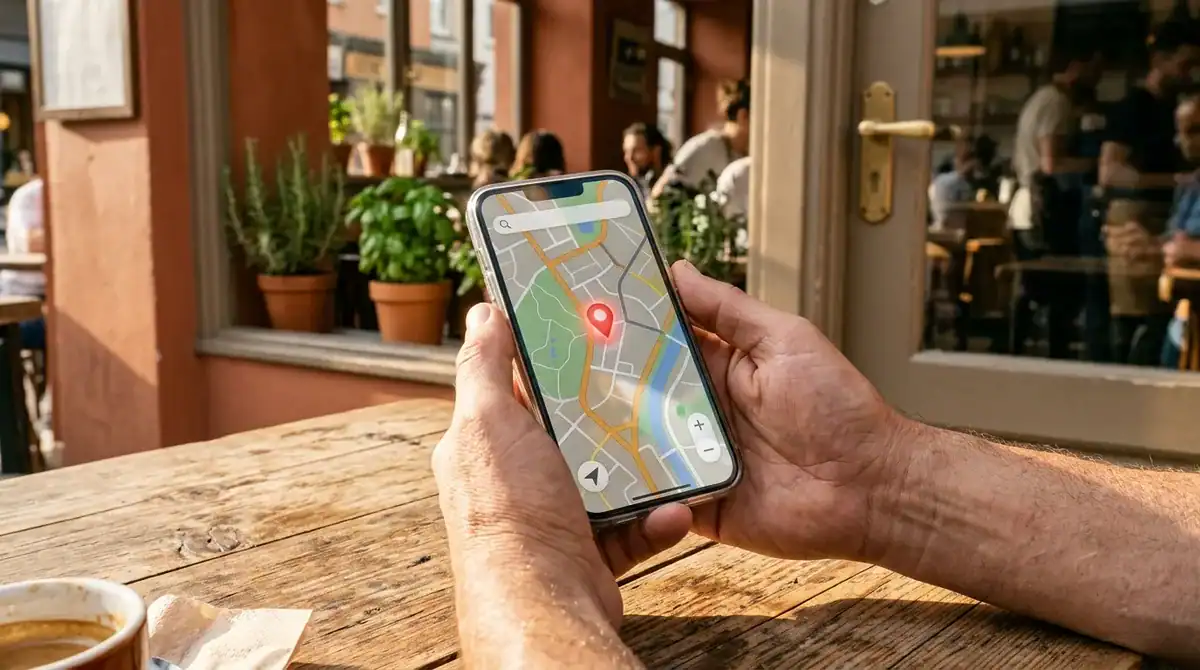
Yes, a new website can help a restaurant appear in local search, but only when it works alongside search engine optimization (SEO) and a complete Google Business Profile. The website gives search engines pages to index and match against searches such as “Italian dinner Greensboro,” while the Business Profile supplies the listing that appears in map results. Each one does part of the work, and a site without either rarely brings in local guests on its own.
The Google Business Profile is the listing that shows up in map results and in the business panel beside a search. Local visibility depends on accurate hours, the correct business category, current photos of the dining room and signature dishes, and the same name, address, and phone number everywhere your restaurant is listed online. If your Sunday hours on the website differ from the hours on your profile, both guests and search engines receive conflicting information.
Dig Designs’ top SEO plan, at $2,199/mo, covers up to three Google Business Profile locations, which fits a restaurant group with more than one dining room in the Greensboro area. Single-location restaurants should confirm which plan covers their profile before they sign.
SEO plans start at $497/mo, which includes one blog post a month and on-page optimization for one page or post. The $847/mo plan adds three blog posts a month and covers up to two pages or posts. The $2,199/mo plan includes six blog posts a month and up to three pages or posts. The page count matters because a menu page, a private dining page, and a catering page each need their own titles, headings, and descriptive text to rank for different searches.
Blog content gives search engines new text tied to specific local interests. A post about a seasonal menu, a Greensboro event your restaurant hosts, or how a signature dish is prepared adds pages that match the questions diners actually type. Each post should link back to the menu or reservation page, so the traffic it earns reaches the actions that bring in guests.
Every SEO plan includes Google Analytics, Google Search Console, and Google Tag Manager setup, along with a website audit and monthly SEO reports. The audit checks the site’s existing pages for problems that hold back search visibility before new work begins. The setup gives you a record of which pages draw visitors and which actions they take, so you can see whether the work is moving.
Expect SEO to build gradually rather than overnight. A new site with a fresh Business Profile can start to appear for local searches, but steady growth in rankings and map visibility comes from consistent updates over time. The monthly reports show that progress, so judge the work by the trend across several reports rather than by any single one.
Before you sign, ask each agency which Business Profile fields it changes first, how it keeps holiday hours current, and who uploads new photos. Ask how often blog posts are published and how the monthly report will tie visibility to menu views, calls, and reservation requests.
Paid Search and Social Media for Restaurant Promotions
Paid search puts your restaurant in front of people who are already looking for somewhere to eat, which makes it useful for time-limited promotions like a weekend brunch special, a holiday dinner menu, or a new location opening. Dig Designs prices paid search management by the size of the monthly Google Ads budget. A budget of $1,000 to $1,999 carries a $200 monthly management fee, a budget of $2,000 to $3,999 carries $300, and a budget of $4,000 or more carries $500. When you compare quotes, keep that management fee separate from the ad budget itself so you can see what you are paying the agency.
Budget alone does not show whether a campaign is working. Paid search conversions are tracked with Google Tag Manager, so a campaign for a Friday special can be measured by phone number taps and form fills, not just by clicks. If an ad brings in many clicks but few taps on the reservation button, the problem is usually the landing page or the offer. You can change one of them before spending more.
Social media marketing handles the ongoing content that keeps a promotion visible between campaigns. Dig Designs offers three plans:
- $497/mo: 12 posts and 1 hour of engagement
- $897/mo: 16 posts and 2 hours of engagement
- $1,847/mo: 20 posts and 4 hours of engagement
Every plan includes monthly reports and an approval process, so you review posts before they go live. A restaurant preparing for patio season, for example, may need more posts in the weeks before the opening than during the slow months.
Social plans are month-to-month with no lock-in. You can upgrade or cancel anytime through the client dashboard, which matters for a restaurant whose promotional needs change with the season or with a new menu.
Who Keeps the Restaurant Site Running After Launch?
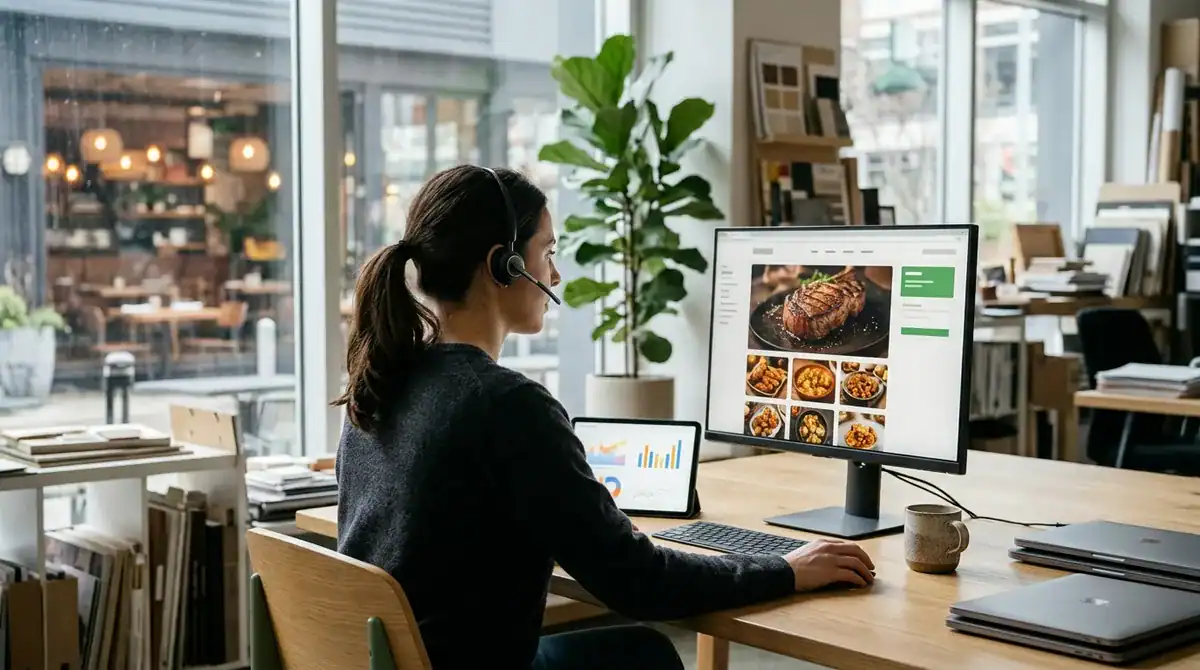
Once your site is live, a website management plan keeps it hosted, updated, backed up, scanned, and secured, while your own staff handles the content that changes from week to week. Dig Designs’ Website Management plans include weekly plugin and theme updates, so the software behind your menu and reservation pages is patched on a regular schedule rather than whenever someone remembers.
Daily off-site backups store copies of the site away from its server. If a page is broken by a bad edit or a plugin conflict, a recent copy can be restored instead of rebuilding the menu from memory. Daily automated malware and vulnerability scanning checks the site for threats every day, which matters for a restaurant that takes reservations and contact form submissions.
Every plan also includes a free SSL certificate, which encrypts the connection between a guest’s phone and your site. Premium license coverage for many builders, plugins, and themes is included at no added cost while the plan is active, so the paid tools your site depends on stay licensed without a renewal you have to track yourself.
Monthly care reports summarize the updates, backups, and scans completed during the month. Ask to see a sample report before you sign, so you know what the reports will tell you about your site.
Self-editing is what keeps everyday changes off an agency’s schedule. WordPress lets your staff edit menu items, prices, hours, and blog posts directly in the editor. A Friday oyster special, a holiday closing, or a summer patio menu can go live the same day without a developer.
Choose one or two people to make those edits and show them where the menu, hours, and posts live. Agree in advance on who approves a price change before it is published. A short written checklist for opening, closing, and holiday hours keeps the website and your Google Business Profile from showing different times.
Task hours are a separate question. The $97/mo eCommerce plan includes three thirty-minute tasks each month, and the $497/mo plan includes eight. The $47/mo plan does not list task hours, so ask what happens when a request falls outside the plan. Ask every agency whether task hours are included each month and how many, because a month with a new photo gallery, a reservation form change, and a menu layout fix can exceed a small allowance.
Before you sign, also ask who holds the site files, the domain registration, and the login credentials if you cancel. Find out whether you can export the WordPress files and database, and whether the domain stays registered in your name. Ask whether the management plan has a minimum contract term and how cancellation works. Get the answers in writing so you know what you keep if you change providers.
Portfolio, Reviews, and Guarantees: What to Check Before You Hire
Start with the portfolio, but ask for the right pages. A homepage shows color and a hero photo, which tells you little about how a guest orders dinner or books a table. Ask for live examples of restaurant sites that include the menu page, the online ordering flow, and the reservation form. Open them on a phone and check whether the reservation button stays visible as you scroll and whether the menu is plain text rather than a single image.
Reviews from restaurant owners are most useful when they describe the work after launch. Look for comments on how quickly the agency answered questions during the project and whether a price change or holiday closing was updated promptly. A review that praises the design but says nothing about revisions or support leaves the most important question open.
Multi-location restaurants need a separate check. Ask how the agency builds a separate page for each dining room with its own address, hours, phone number, and menu, and how it keeps each Google Business Profile listing distinct. Dig Designs’ $2,199/mo SEO plan covers up to three Google Business Profile locations, so count your locations before you compare plans.
Dig Designs offers a 30-day money-back guarantee, shown on the homepage and on its Website Management page. Ask any agency, including Dig Designs, to put its refund terms in writing. Confirm when the 30 days begin, and whether the guarantee covers the one-time build, the monthly plans, or both.
When you compare quotes side by side, check these four items in each one:
- Page count: how many pages the build price includes, and whether menu, catering, and private dining pages count separately.
- Add-ons: whether ordering links or other add-on services are part of the quote or billed later.
- Monthly care: which updates, backups, and scans are included, and whether task hours are capped each month.
- Reporting: what the monthly report shows, and whether you receive a sample before you sign.
Finally, ask each agency to name one restaurant it has worked with after launch and describe a menu change it made for that client. The answer shows whether the agency treats the website as a living tool or as a finished project.
Booking a Restaurant Website Project in Greensboro
Before you contact any agency, write a one-page brief. List the pages you need, such as home, menu, hours and location, private dining, and catering. Note which actions matter most, whether that is reserving a table, calling, or ordering takeout. Then list the reservation, point-of-sale, and delivery systems you already use, since those decide which integrations to ask about.
Next, collect the material the build depends on: the full menu with prices, current hours including holiday changes, photos of the dining room and signature dishes, and the address and phone number for each location. Choose one person to approve changes so feedback does not arrive from several directions.
Send the same brief to at least two agencies and ask each for a quote that lists its page count, add-ons, and monthly plan. Matching the scope makes the totals comparable. A quote that leaves out booking, menu writing, or task hours will look cheaper than it is.
Restaurant owners in Greensboro who want a clear comparison can start with that brief and a current menu. Then ask Dig Designs to walk through the four launch steps, the theme catalog, and the monthly plans against the budget they have set.
Frequently Asked Questions
1. Can a restaurant keep its existing domain name when it gets a new website?
Yes, a restaurant can usually keep its current domain name when it moves to a new website, because the domain is pointed at the new site rather than replaced. Confirm before the build starts that the domain stays registered in your name and that you control its settings. Getting this in writing keeps your printed menus, social profiles, and listings pointing to the same address.
2. How often should a restaurant update its menu page and holiday hours?
A restaurant should update its menu page whenever a price changes, a dish is added or removed, or an item sells out for the season. It should post holiday hours as soon as they are set. Because WordPress edits are small text changes, these updates can go live the same day without a developer. Keep one written checklist for opening, closing, and holiday hours so the website and your Google Business Profile always show the same times.
3. Do single-location restaurants need Google Business Profile management, or is it only for chains?
A single-location restaurant does not have to be a chain to benefit from Google Business Profile management, because the profile is the listing that appears in map results for one dining room. Dig Designs’ SEO plans start at $497/mo with one blog post a month and on-page optimization for one page, and its $2,199/mo plan covers up to three Google Business Profile locations. A single location needs only one profile kept current with accurate hours, photos, and contact details.
4. Is a theme-based restaurant site enough for a small, single-location business?
A theme-based site is usually enough for a small, single-location restaurant whose main goals are showing the menu, hours, and a reservation or call button. Price points for a site of up to 6 pages in the Greensboro area have run about $2,000, and a theme keeps design time shorter than a fully custom layout. Your photos, brand colors, and menu wording will carry most of the personality. A restaurant that needs a distinctive dining-room look or a custom ordering flow should compare a custom layout.
5. What happens to a restaurant’s site if it cancels its monthly website management plan?
Cancelling a website management plan ends the hosting, weekly updates, daily backups, daily scanning, and monthly care reports that the plan provides. Before signing, ask who holds the site files, the database, the domain registration, and the login credentials, and whether you can export the WordPress files and database. Also ask whether the plan has a minimum contract term and how cancellation works, and get those answers in writing.